BACKREST REMOVAL INSTRUCTIONS
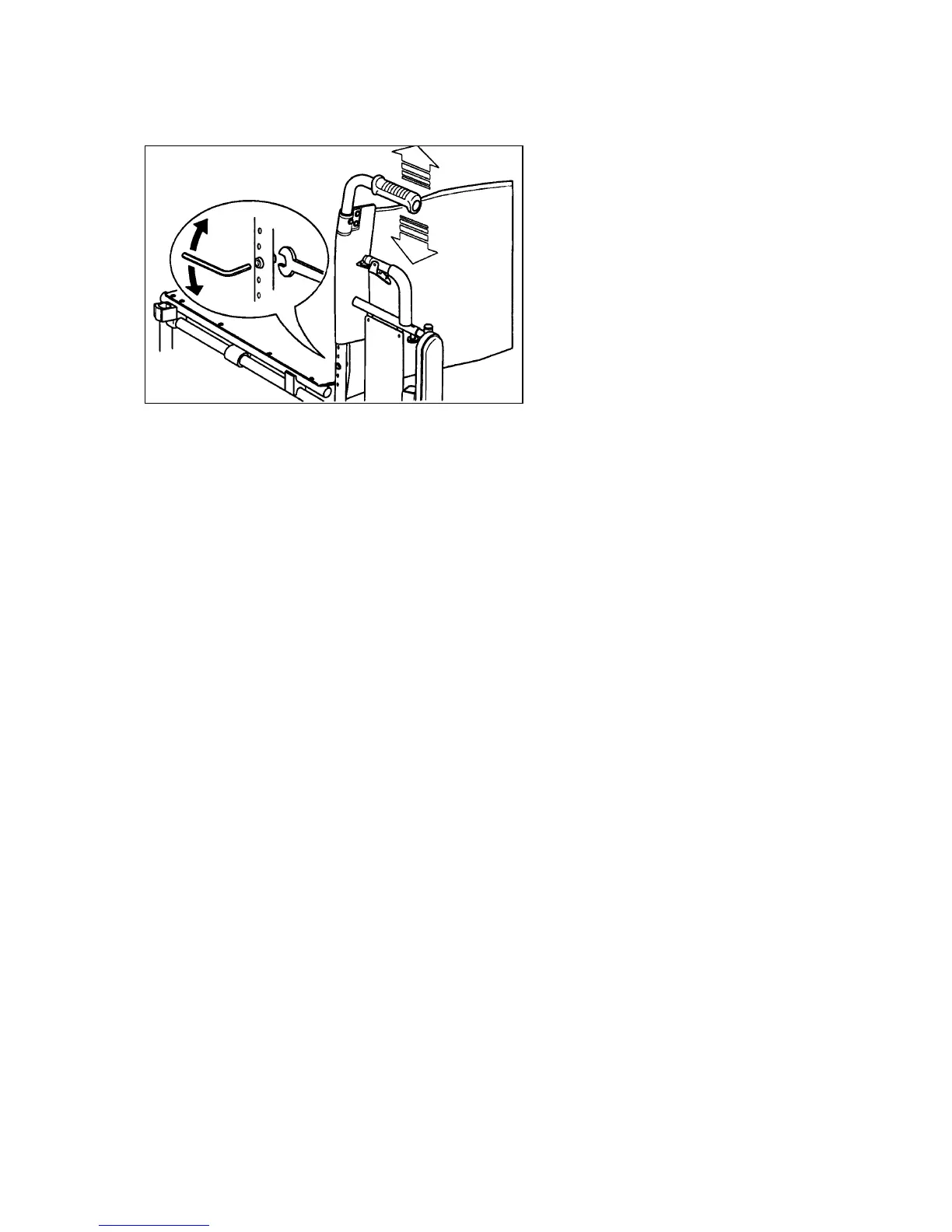
Picture 17
1. Remove the two screws and nut from the bottom of the backrest (picture 17)
and pull the backrest upward out of the frame
2. Installation is in reversed order of removal procedure
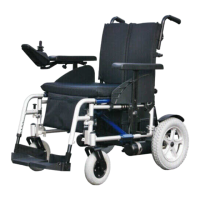
WHEELS REMOVAL AND ASSEMBLING INSTRUCTIONS
Rear wheel:
1. Ensure that the clutch lever of the motor drive is engaged (picture 13)
2. Support of jack up the power chair under the side frame
3. Unscrew the hexagon bolt and remove, together with the washer
4. Withdraw the rear wheel from the drive axle
Installation is in reversed order of removal procedure. Check that the threads of
the hexagon volt are undamaged and clean. If necessary, wipe with a clean dry
cloth. Do not use any sharp tools to clean the threads. Do not forget to slide the
washer over the bolt before it is screwed in. Tighten the bolt firmly.
Front wheel:
1. Support or jack up the powerchair under the side frame
2. Use the wrench provided, remove the axle bolt
3. Slede the front wheel out of the fork
4. Assembling is in reversed order


 To Next Page