6
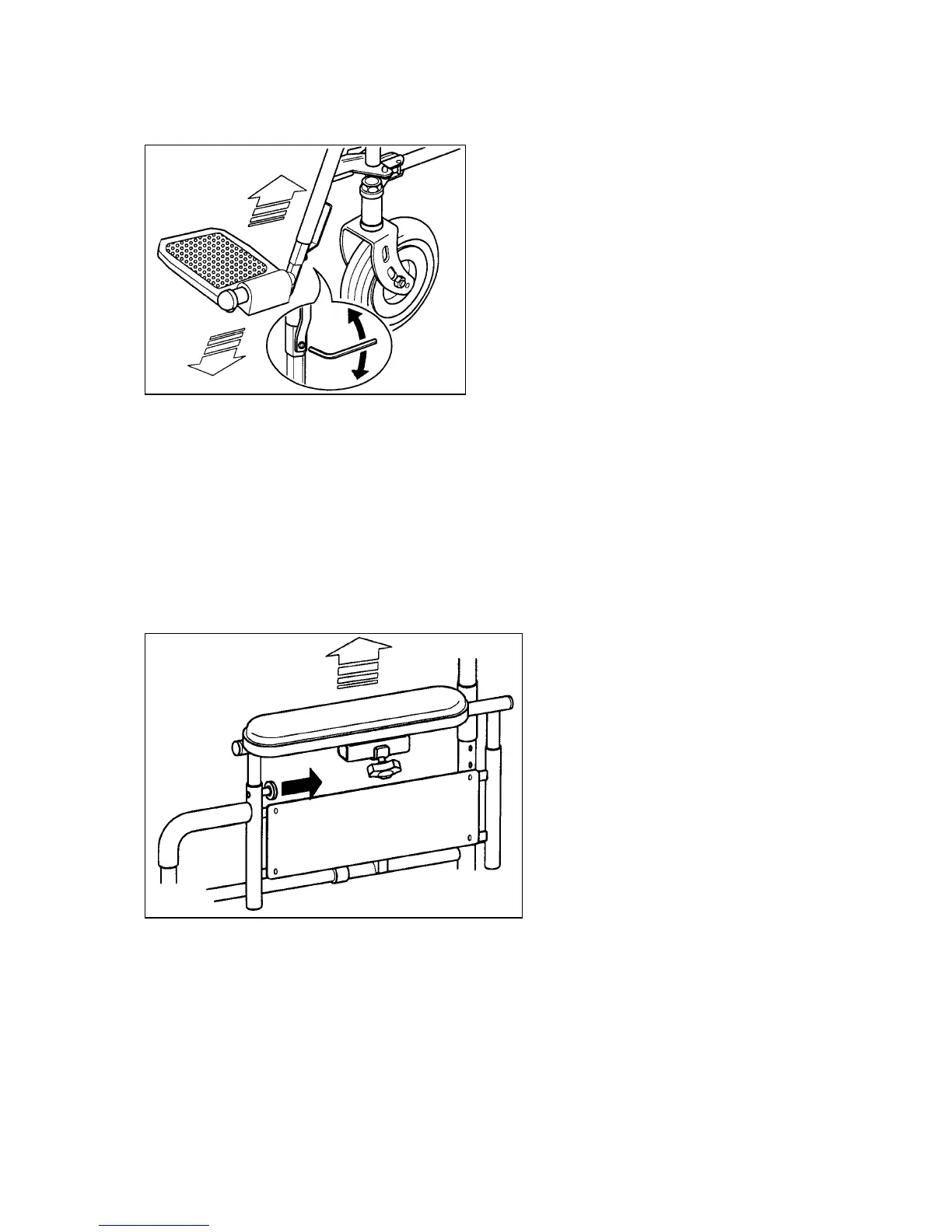
down to the normal position. The height of the footrests can adjusted individually
as follows:
Picture 7
1. Using the allenkey provided, loosen the bolt (picture 7) on the footrest outer
tube and slide the footrest inner tube up or down as required.
2. After adjustment, tighten the bolt.
Note:
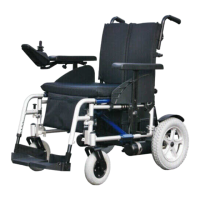
To enter or leave the powerchair sideways, remove the side panel/armrest. Refer
to: Side panel / armrest sub assembly.
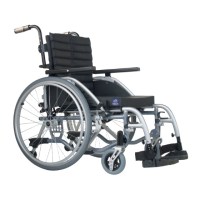
ADJUSTMENT OF ARMREST HEIGHT
Picture 8
To adjust the armrest height, pull out the spring-loaded plunger (1) in the side
panel and pull or push the armrest upward or downward until the plunger engages
in the respective hole of the vertical guide rail to give the required armrest
position.


 To Next Page