4
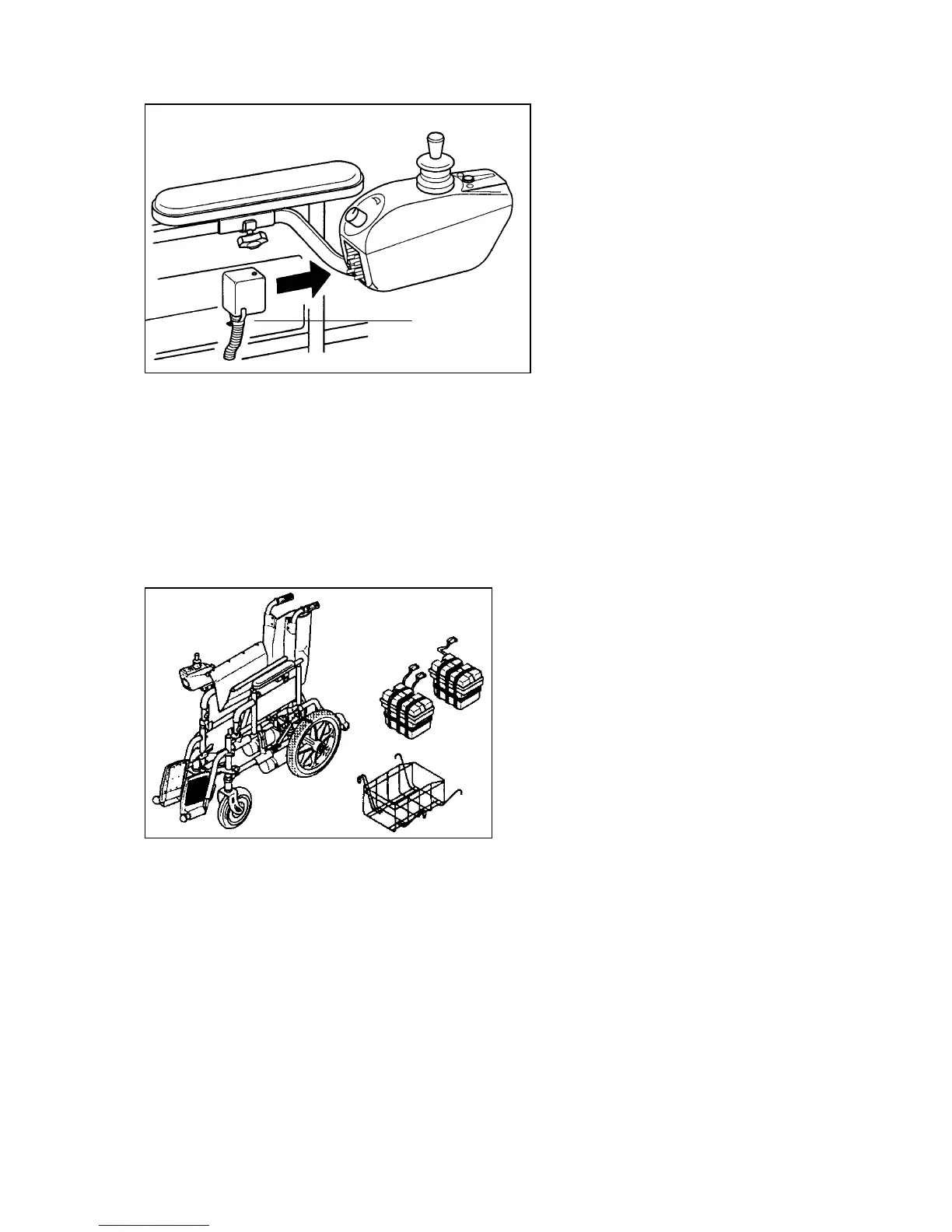
Picture 2
MASTER SOCKET
This master socket is the ‘ignition key’ of your powerchair. It connects to a plug on
the rear face of the electronic controller on the side of the vehicle. The
powerchair will not operatie without it. As we go along we will explain when and
how to use it.
ASSEMBLY
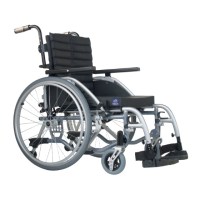
Picture 3
1. Ensure that you received the battery boxes, basket, footrest and anti-tipper.
2. Open the power chair by folding
3. Place the battery basket into position (picture 4)
4. Place the battery boxes into the basket
5. Plug in the power connectors. Black to black, grey to grey (picture 4)
6. Insert the anti-tipper (picture 5)
7. Plug in the master socket (picture 2)
Master socket


 To Next Page