
 Need help?
Do you have a question about the Excelta IntelliTweeze TM-500 and is the answer not in the manual?
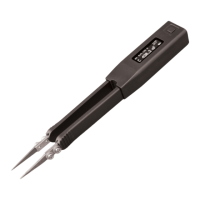
Provides an overview of the IntelliTweeze device and its capabilities.
Describes the function and operation of the navigation switch.
Explains how to use quick controls for changing test parameters without the menu.
Explains how to navigate through the device's menu system using the navigation control.
Describes how to access system, measurement, and autoset functions from the main menu.
Details how to configure sound settings for measurement confirmation and resistance tones.
Explains how to adjust the display contrast level.
Details how to set the auto-sleep timeout duration for the device.
Allows selection of specific measurement modes such as RES, IND, CAP, IMP, or ESR.
Allows selection of the desired test frequency for measurements.
Enables setting the secondary display parameter for R, D, or Q.
Allows selection of the test signal level (voltage).
Enables choosing between automatic, parallel, or series models for component representation.
Facilitates component sorting by checking against preset tolerance ranges.
Allows holding the last reading displayed on the screen.
Enables setting the time period between measurements.
Covers the process and features for measuring resistance values.
Covers the process and features for measuring capacitance values.
Covers the process and features for measuring inductance values.
Describes the diode testing mode and its indications.
 General
| Brand | Excelta |
|---|---|
| Model | IntelliTweeze TM-500 |
| Category | Measuring Instruments |
| Language | English |

 To Next Page
