3
Taking Exact Temperature
Measurements
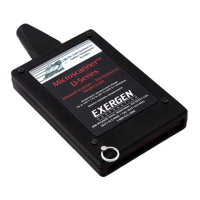
The Microscanner™ D-Series measures tem perature very quickly.
An accurate reading is almost instantaneous. It is only necessary to touch
the surface for a fraction of a second.
For exact surface temperature measurements, simply:
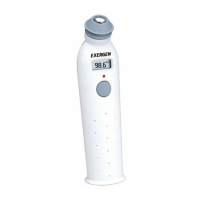
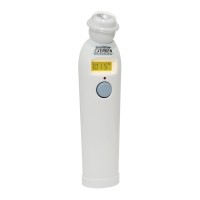
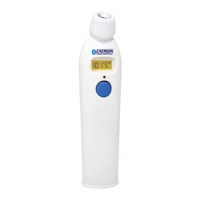
• Press the power button
• Touch the nosepiece to the target surface**
• Read the temperature on the LED display
• Release the power button
* Exergen manufactures specific instruments for safe and conve nient inspection of electrical
equipment. If electrical inspection is of particular importance, contact Exergen for more informa tion
relative to the dedicated electrical inspection instruments.
** If the surface is metallic, be sure to mark it as previously described (see pg. 2).
Taking Exact Temperature of
Moving Targets
For moving targets which are not possible to touch even for an instant, simply
• Set slide switch to MAX for targets warmer than ambient, or MIN for
targets cooler than ambient.
• Point at target
• Press the power button
• Bring nosepiece as close as possible to the target, preferably within
1/32 inch (1mm)
• Release power button
• Read the temperature
CAUTION...Shock Hazard.
Do Not Touch the Instrument to
Electrical Conductors*






 To Next Page