3
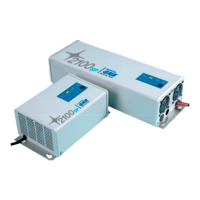
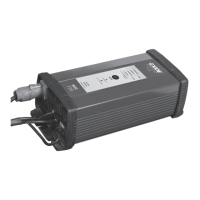
This charger can be used as both a battery charger and a power
supply with a 13.7 V output (13.7 V Supply). In the charge mode, the
charger will first charge the battery, and then maintain full charge
with regular charging as long as it is connected. The charger, which
features a temperature compensator, provides optimum charging
for lead-acid batteries, whatever their type, size, within a range
of 20-300 Ah, and temperature. In the “13.7 V Supply” mode, the
charger acts as a power supply, and gives a continual power supply
of max 15 A at 13.7 V.
Supply
13,7V
Standard
AGM/GEL
1-19Ah
20-59Ah
60-150Ah
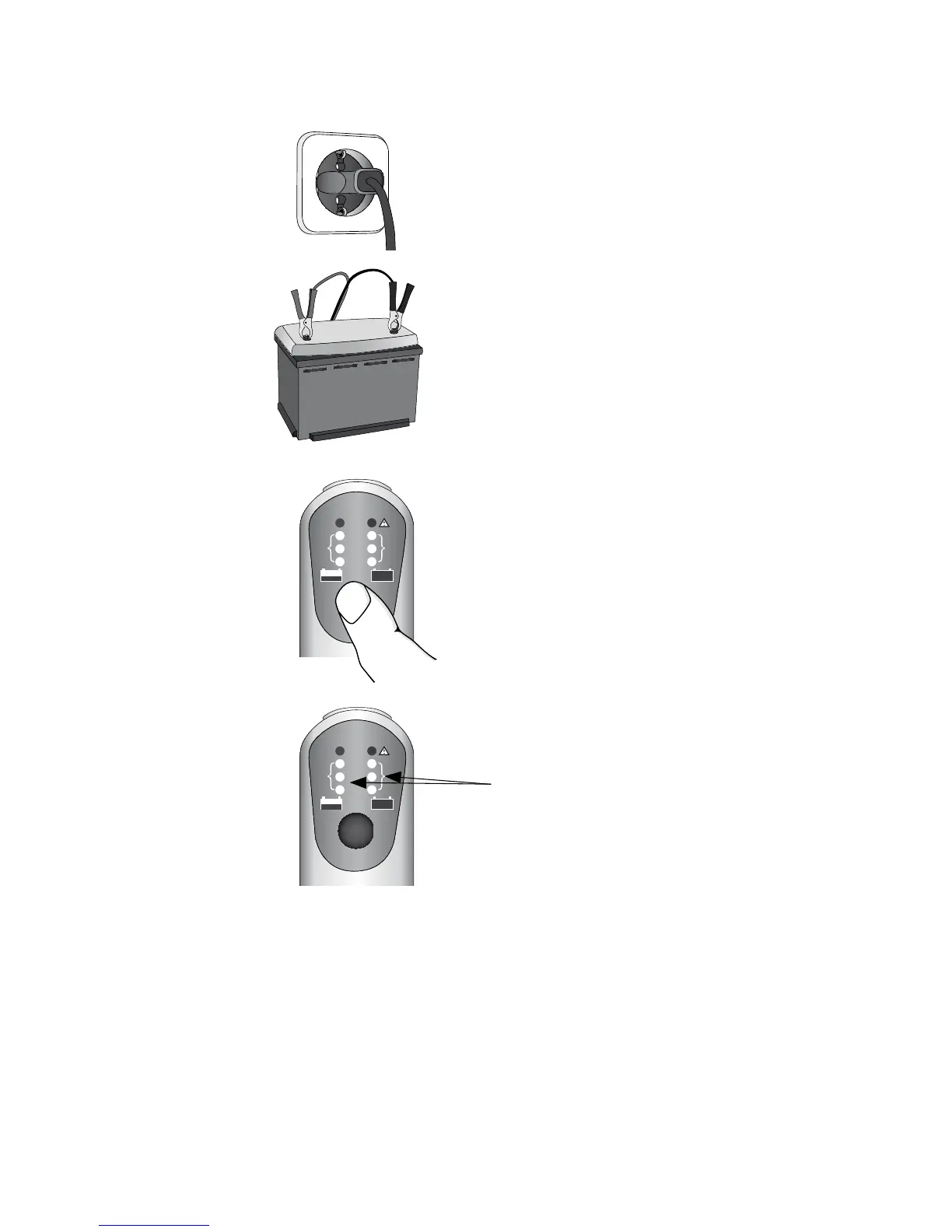
1. Connect the charger’s mains
plug to a power socket.
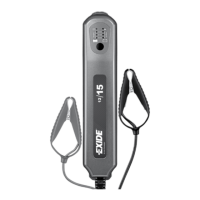
2. Connect the charger’s red cable
clamp to the battery’s positive ter-
minal post (+), and the black cable
clamp to the battery’s negative
terminal post (-).
GETTING STARTED
3. Select the correct mode, battery
size (Ah) and battery technology
(AGM/GEL or standard battery), or
13.7 V Supply.
4. When the green lamp shines
for the select mode, the battery
is fully charged.


 To Next Page