5
WSC720 USER GUIDE
1. Readthesafetynotesandadheretothestatedprecautions.
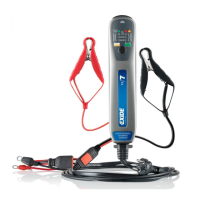
2. Connect the red cable clamp to the battery’s positive terminal
post (+), and the black cable clamp. The position of the cables,
seepage11.
3.Connectmainsplugtoanearthedpowersocket.
4.Ifthecablesareincorrectlyconnected,orifwrongsystemvolta-
ge(12Vor24V)ischosen,theredLEDwillilluminatetoindicate
a fault. If so, check the connection and adjust accordingly.
5. WSC720 will start charging in the mode last used. If necessary,
press the ”Mode” button repeatedly until desired mode is selected.
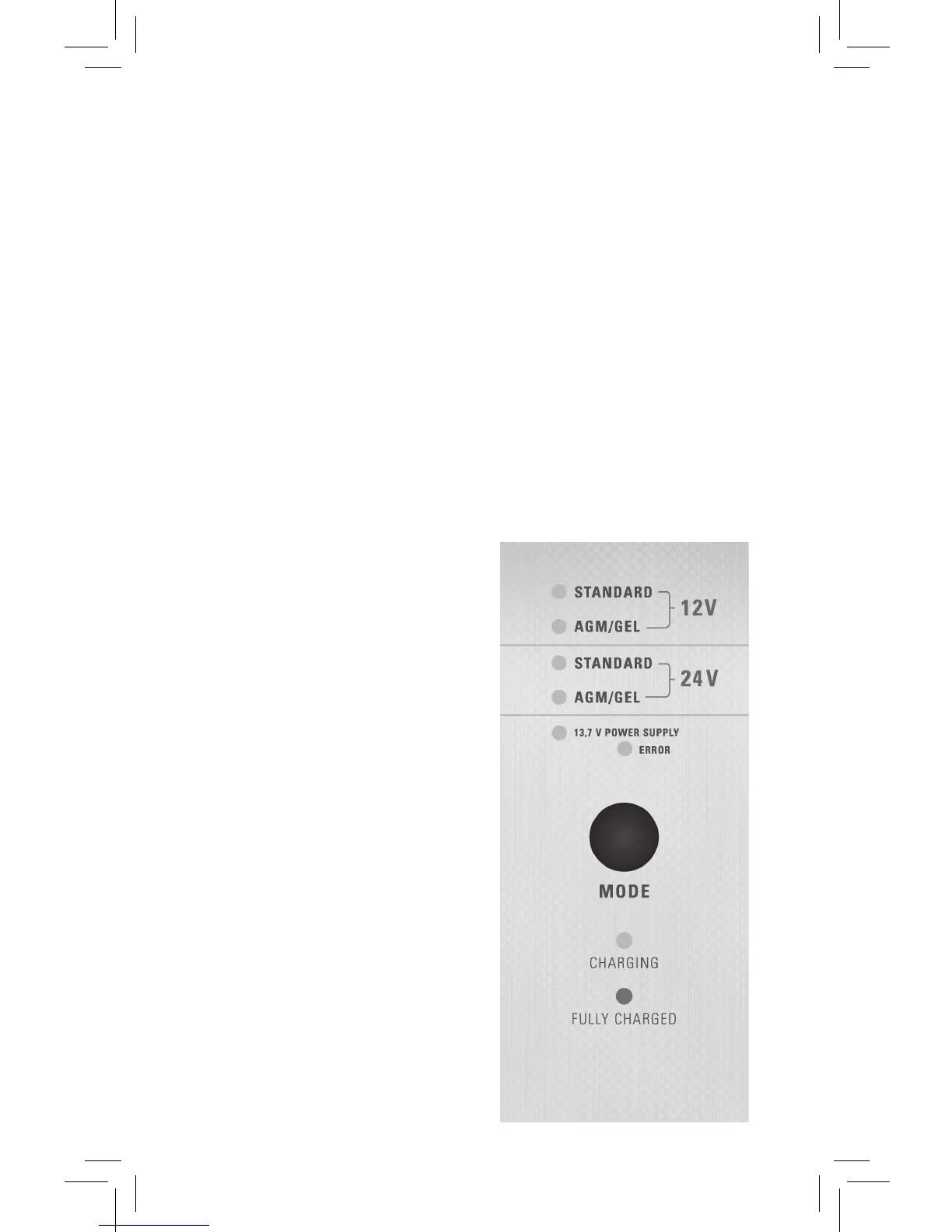
Mode:
•For12Vbatteries:Charging
ofStandardorAGM/Gel
see page 6*
•For24Vbatteries:Charging
ofStandardorAGM/Gel
see page 6*
•For12Vsystems:Voltageand
PowerSupply,13.7V
Indication:
•IfWSC720iscorrectly
connected, the yellow LED
flashesforaround4seconds
when the LED will stop
flashing and will change to a
constant yellow.
•Inthe“13.7VSupply”mode,
the green LED lights while the
function is connected.
Continues on next page.


 To Next Page