11
REGISTER A CAMERA:
Click the link to Register Camera.
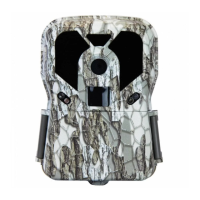
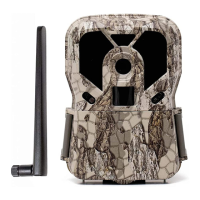
On your Render camera, make sure the batteries, SD
card, SIM card and antenna are all installed properly and
switch camera to Setup position.
Press the Menu button and change the camera setting
Wireless Network to ON.
Wait about 10 - 20 seconds then select the camera
menu Camera Info. If the values are blank then press the
Menu button to back out, wait a few more seconds then
select Camera Info again.
On the Register Camera screen in Scoutek, select the
camera model, camera name and enter the information
which is displaying on the camera screen then click the
Register button at the bottom.
Once you have successfully registered a camera, you
will be taken to My Account automatically to activate it.
If you have multiple cameras and wish to activate them
you may wish to register all of them first by repeating
these steps for each camera before continuing to the
Activate a Camera process.


 To Next Page