7
SETTING UP THE
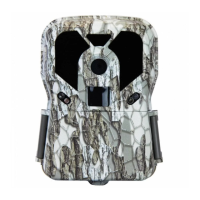
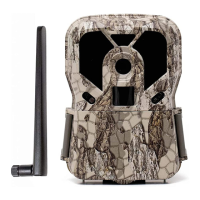
EXODUS RENDER
Note: We recommend that you create a Scoutek account
and activation of the device at home rather than in the
field if possible.
1. Open the camera door, with the power switch OFF
press the battery tray release button in the bottom right
hand corner of the camera interface. Install 8 Lithium
AA batteries. Re-insert the battery tray until you hear it
“click” into place. For additional battery life and extended
field use of the device we recomomend adding our
external power source product the Exodus SP18.
2. Insert SD card until you hear a slight click as it locks
into place. Refer to the card symbol above the card slot
for orientation. We recommend up to a 64GB Sandisk
card, no higher than a speed class 10.
3. Insert Sim card, if not already installed. If a Sim card
is needed they are available for purchase at www.
exodusoutdoorgear.com or contact Exodus customer
service.


 To Next Page