Need help?
Do you have a question about the Exor eSMART Series and is the answer not in the manual?
Details EMC test standards, including radiated and conducted disturbances.
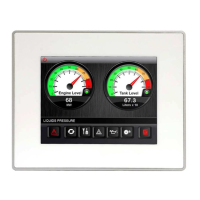
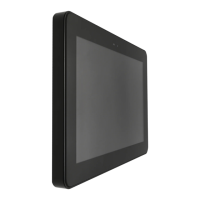
Provides physical dimensions and cut-out details for eSMART04 and eSMART04M.
Details requirements for front panel protection, sunlight, chemical compounds, and IP66 sealing.
Refers to the Installation Guide for specific safety notes.
Describes how to place and tighten fixing brackets for panel mounting.
 General
| Display Type | TFT LCD |
|---|---|
| Power Supply | 24 VDC |
| Touchscreen Type | Resistive or Capacitive |
| Processor | ARM Cortex-A8 |
| Operating System | Linux |
| Communication Ports | Ethernet, USB |
| Protection Rating | IP65 |

 To Next Page