N
O
-P
IN
mode
25
Taking the reading
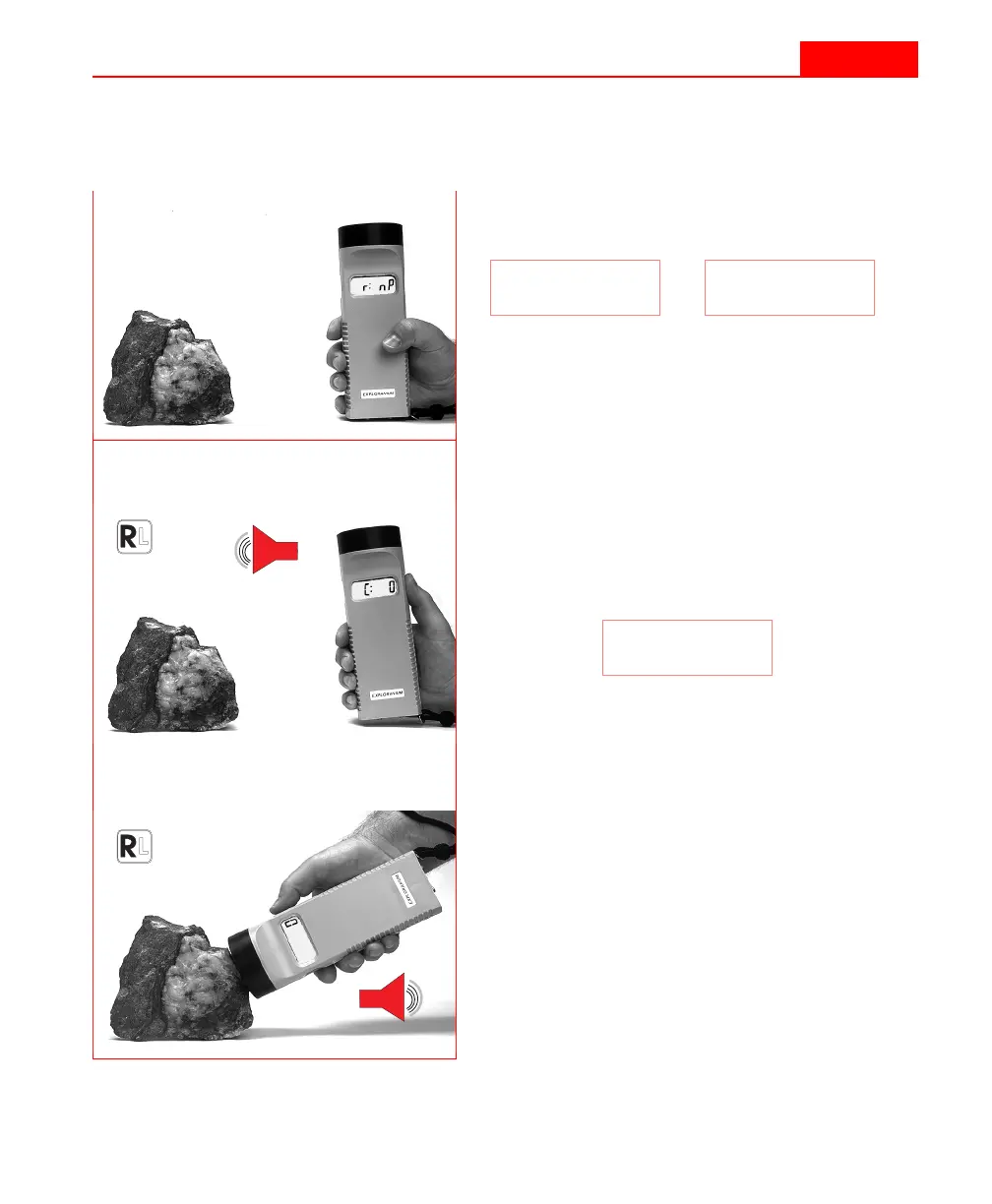
Please refer also to the flowchart shown in Figure 5 on page 20.
1
You are ready to take a reading, if your
display shows either:
2
Press the
R
IGHT
button to zero the instru-
ment while holding it at least 30 cm away
from any magnetically susceptible mate-
rial. The KT-9 will beep when the button
is pressed.
3
The display will show:
If the value is not 0, then you have old
data in memory that should be cleared.
Please refer to “Clearing the memory”
on page 37 for further instructions.
4
Place the sensor firmly against the sample.
5
Press the
R
IGHT
button again to start the
measurement sequence. The KT-9 will
beep. Hold the unit on the sample for
about half a second.
r: nP
L: nP
or
C: 0
N
O
-P
IN
mode
25
Taking the reading
Please refer also to the flowchart shown in Figure 5 on page 20.
1
You are ready to take a reading, if your
display shows either:
2
Press the
R
IGHT
button to zero the instru-
ment while holding it at least 30 cm away
from any magnetically susceptible mate-
rial. The KT-9 will beep when the button
is pressed.
3
The display will show:
If the value is not 0, then you have old
data in memory that should be cleared.
Please refer to “Clearing the memory”
on page 37 for further instructions.
4
Place the sensor firmly against the sample.
5
Press the
R
IGHT
button again to start the
measurement sequence. The KT-9 will
beep. Hold the unit on the sample for
about half a second.
r: nP
L: nP
or
C: 0



 To Next Page