26
Taking measurements
Additional readings
1
To take additional measurements, the above steps
2
to
8
are repeated.
2
Up to
10
samples can be stored in memory. The display,
after the eleventh sample is taken, will show:
The XXX represents the value of the reading and the
F indicates that the memory is now full.
3
If you continue to take additional readings after the tenth,
the eleventh sample is moved into memory location ten.
All the other samples are moved down one memory loca-
tion, resulting in the first sample being lost.
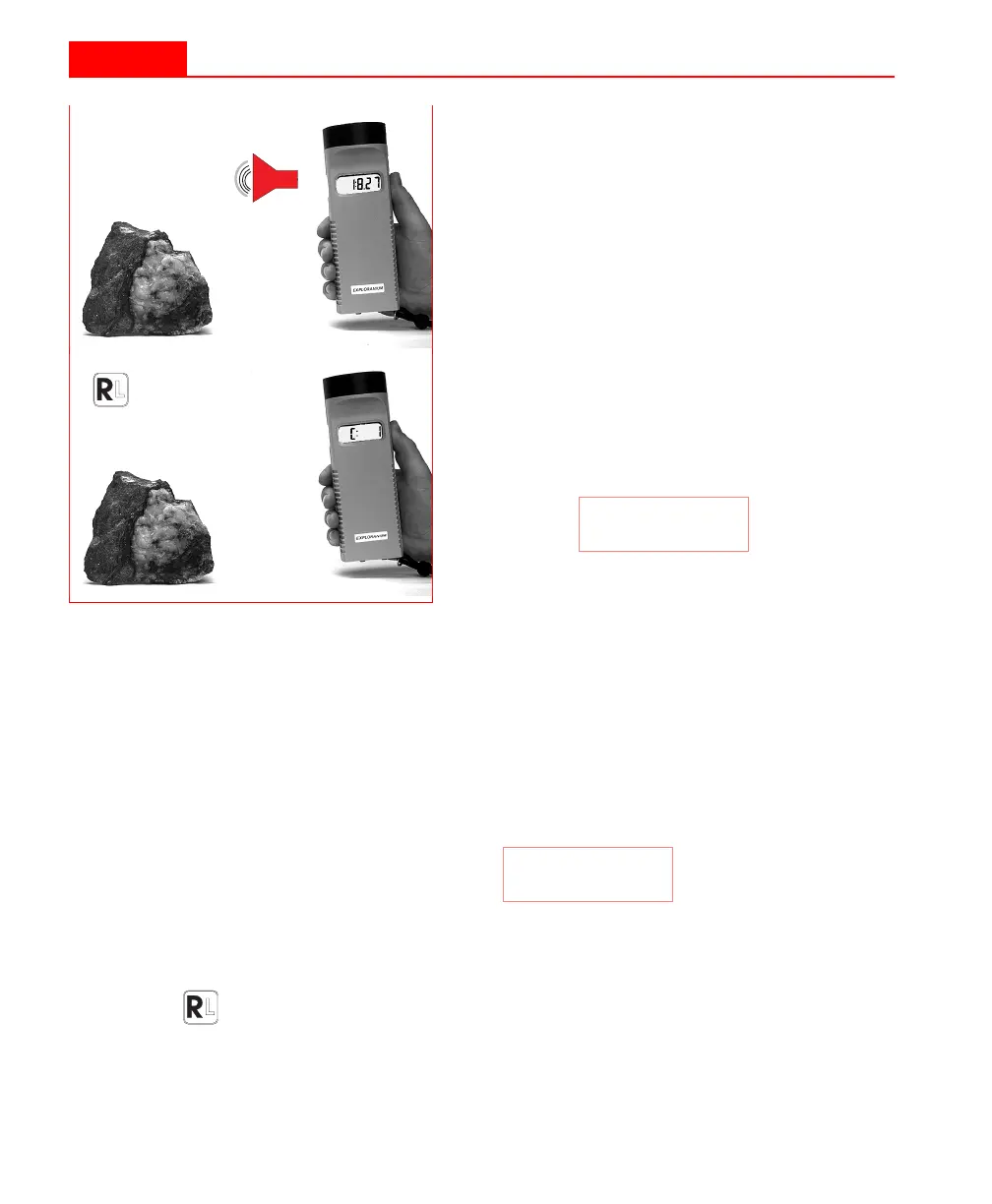
6
Remove the KT-9 at least 30 cm away
from the sample.
7
After one second, the KT-9 will beep
again, and the true measured value will
be displayed.
8
Press the
R
IGHT
button to store this read-
ing in memory. The KT-9 is also now
ready to take the next measurement.
This is indicated by the incremented
value on the display, i.e.:
C: 1
F:XXX
26
Taking measurements
Additional readings
1
To take additional measurements, the above steps
2
to
8
are repeated.
2
Up to
10
samples can be stored in memory. The display,
after the eleventh sample is taken, will show:
The XXX represents the value of the reading and the
F indicates that the memory is now full.
3
If you continue to take additional readings after the tenth,
the eleventh sample is moved into memory location ten.
All the other samples are moved down one memory loca-
tion, resulting in the first sample being lost.
6
Remove the KT-9 at least 30 cm away
from the sample.
7
After one second, the KT-9 will beep
again, and the true measured value will
be displayed.
8
Press the
R
IGHT
button to store this read-
ing in memory. The KT-9 is also now
ready to take the next measurement.
This is indicated by the incremented
value on the display, i.e.:
C: 1
F:XXX



 To Next Page