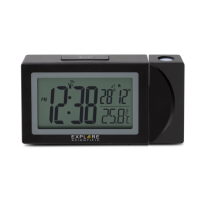
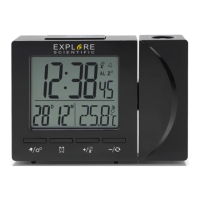
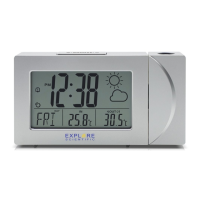
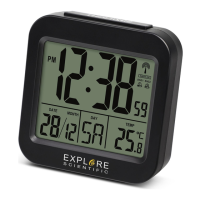
PRODUCT OVERVIEW
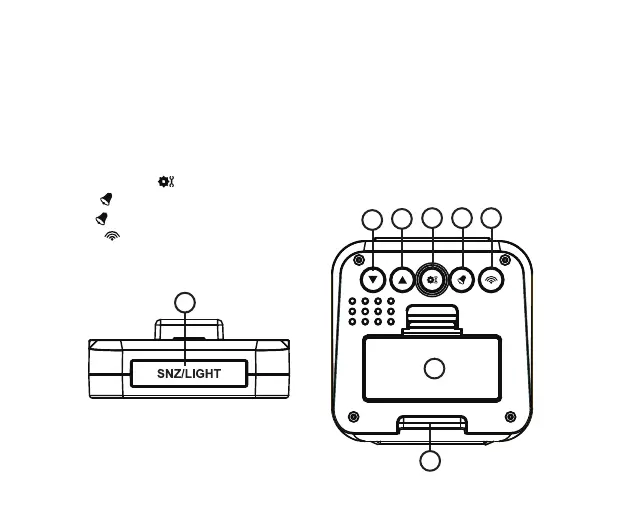
1. Press [ SNZ / LIGHT ] to activate the backlight or to activate the snooze function to delay thealarm
for 5 minutes.
2. While in normal display mode, press [ ▼] to select °C or °F. While in setting mode, press
[ ▼ ] to decrease one unit, press and hold to decrease rapidly.
3. While in time setting mode, press [ ▲ ] to increase one unit, press and hold to increase
rapidly. While in alarm time checking mode, press [ ▲ ] to turn on/off the Alarm 1 or Alarm 2.
4. Press and hold [ ] to enter time and date setting mode.
5. Press [ ] to check the alarm time. Press and
hold [ ] to enter alarm setting mode.
6. Press [ ] to initiate or stop RCC receiving.
7. Battery compartment.
8. Table stand.
1
2
7
8
3
4
5 6
4


 To Next Page