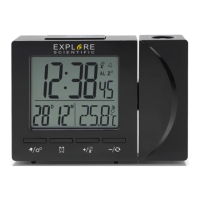
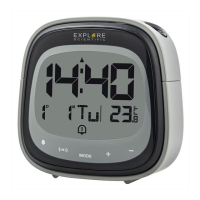
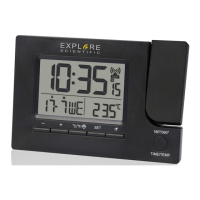
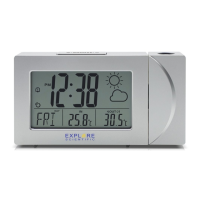
SNOOZE FUNCTION
1. At the set time, alarm signal rings.
2. During the alarm, press the [ SNZ / LIGHT ] button to delay the alarm by 5 minutes.
3. To stop the alarm, press [ ] or any other button, except for [ SNZ / LIGHT ].
4. The alarm will start again at the next alarm time, unless you switch off the alarm function by
pressing the [ ] to choose Alarm 1 or Alarm 2 and then press [ ▲ ] button until the alarm is
set to off.
TEMPERATURE
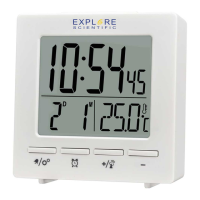
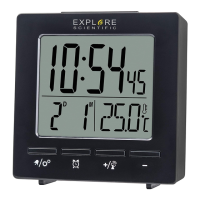
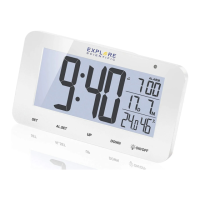
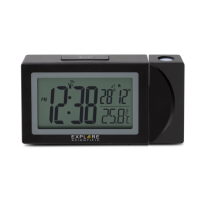
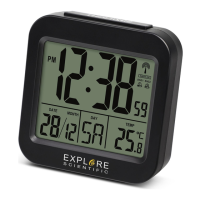
The indoor temperature is always displayed in the right bottom corner of the screen.
BACKLIGHT
Press [ SNZ / LIGHT ] to activate backlight for 5 seconds.
SPECIFICATIONS
MAIN UNIT:
Dimensions
80 x 70 x 30 mm (L x W x H)
Weight
85 g (Exclude batteries)
Power:
2x AAA (LR03) 1.5V batteries
EN
IT
DE
FR
ES
NL
9


 To Next Page