IT
DE
EN
35
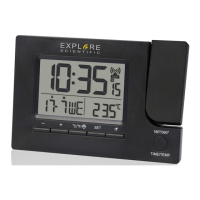
PROJECTION
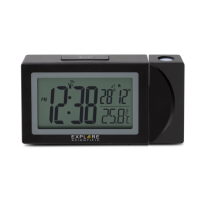
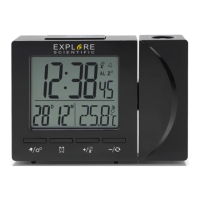
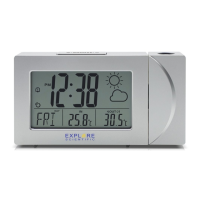
The projector displays the time or temperature on your
ceiling or wall and it can rotate 180°. It is easier to view
in a darkened room. For the optimal projection results,
place the unit within 1.5 - 2 m (5-6.5 ft) from the ceiling
or wall.
1. Press the [
] button to activate the Projec-
tion for 5 seconds.
2. Press the [180°/360°/TIME/TEMP] button to ip
the projection display 180°.
3. Press and hold [180°/360°/TIME/TEMP] button to
switch projection from time to temperature display.
Use the on/off switch on the back of the device to
activate/deactivate continous projection (only with
AC/DC adapter).
SPECIFICATIONS
Dimensions (Main unit):
140 x 40 x 95 mm (L x W x H)
Weight (Main unit):
143 g (Exclude batteries)
Temperature display range:
-0°C to +50°C (32°F to 122°F)
Accuracy:
+/- 2°C (+/-4°F)
Resolution:
0.1°C (0.2°F)
Power:
2x AAA (LR03) 1.5V batteries,
Power adapter 5V


 To Next Page