28
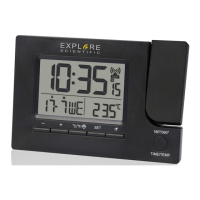
PRODUCT OVERVIEW
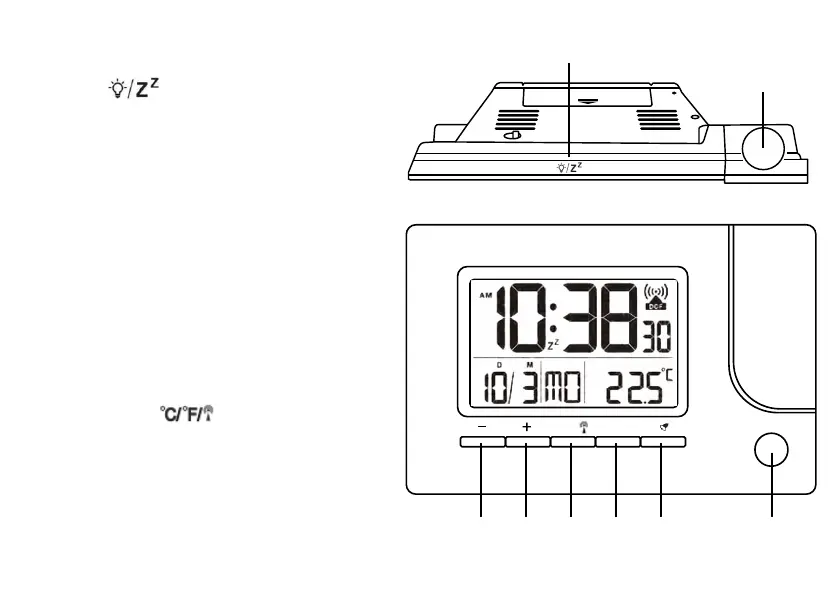
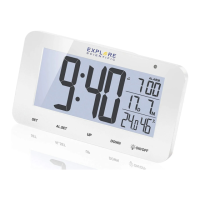
1. Press [ ] to activate backlight and pro-
jection for 5 seconds or to activate the snooze
function to delay the alarm by 5 minutes.
2. Projection lens
3. In standard mode, press [+] to switch 12/24
hour format. Press and hold to enter foreign
mode. In time or alarm setting mode, press to
increase one unit, press and hold to increase
rapidly.
4. In standard mode, press [–] to switch between
weekday and calendar week display. Press and
hold to switch weekday languages. In time or
alarm setting mode, press to decrease one unit,
press and hold to decrease rapidly.
5. In standard mode when temperature is dis-
played, press [
] to switch temperature
unit °C/°F. Press and hold to initiate RCC re-
ceiving.
6. In standard mode, press [SET] to switch
modes: Temperature > AL1 > AL2 > Second
time. In time or alarm setting mode, press to
confirm setting.
SET°C/°F
180°/360°
TIME/TEMP


 To Next Page