IT
DE
EN
29
7. In standard mode, press to toggle alarm on/
off.
8. In standard mode, press to ip projection 180°.
Press and hold to switch from time to tempera-
ture projection.
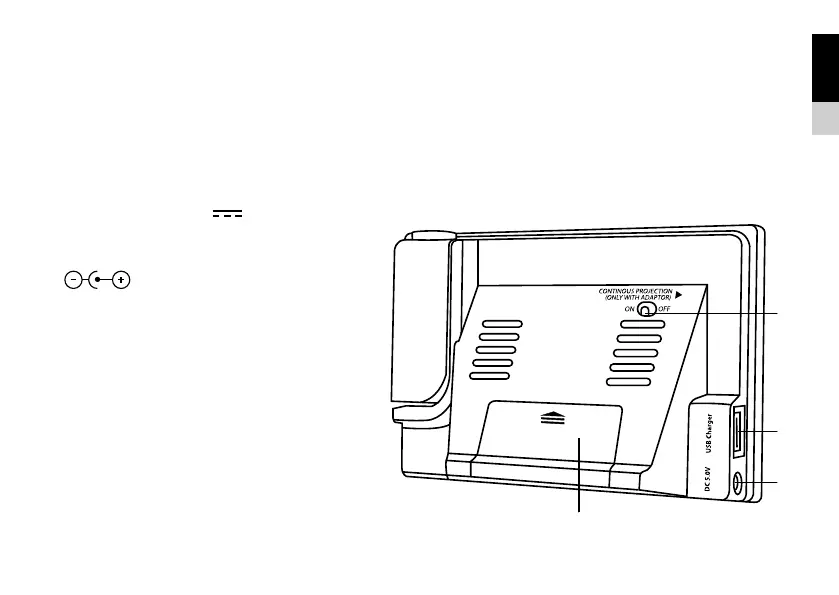
9. Battery compartment. Slide down to open.
10. Continous Projection on/off (only with AC/DC
Adapter)
11. USB charging port 5V
1A
(To charge USB devices).
12. Power jack.
(
AC/DC Power Adapter 5V).


 To Next Page