IT
DE
EN
31
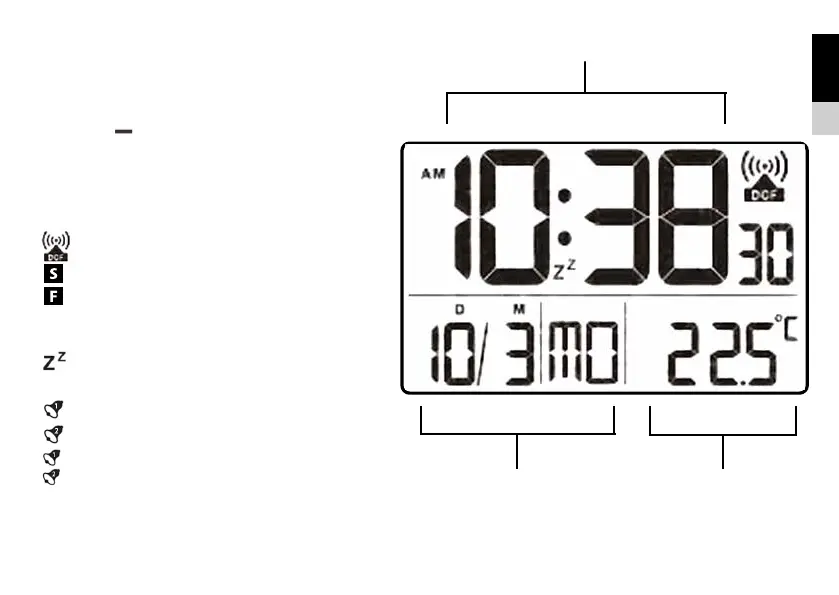
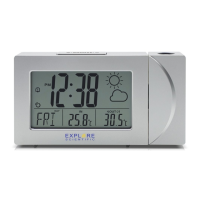
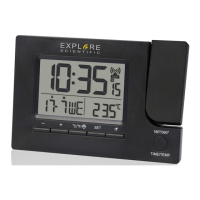
LCD DISPLAY
1. Main Time display
2. Date display and Weekday or Calendar week
(Press [ ] to switch)
3. Temperature display or Alarm Time display
(AL1/AL2) or Second Time display (Press
[SET] to switch)
[
SET°C/°F
180°/360°
TIME/TEMP
] RCC signal received
[
] DST ON (Daylight Saving Time)
[
] Foreign time / Time zone +/-12h
(Hold [+] to activate/deactivate)
[
] Snooze activated
[
] Alarm 1 ON
[
] Alarm 2 ON
[
] Alarm 1 + Alarm 2 ON
SET°C/°F
180°/360°
TIME/TEMP


 To Next Page