18
TO VIEW THE ABSOLUTE / RELATIVE BAROMETRIC READING
In normal mode, press [ BARO ] key to switch between ABSOLUTE / RELATIVE barometric
reading.
RAINFALL
The RAINFALL section shows the rainfall and rain rate
information.
TO SET THE RAINFALL UNIT
1. Press and hold [ RAIN ] key for 2 seconds to enter unit setting mode.
2. Press [
] or [ ] key to toggle the rainfall unit between mm and in.
3. Press [ RAIN ] key to conrm and exit the setting.
TO SELECT THE RAINFALL DISPLAY MODE
Press [ RAIN ] key to toggle between:
1. HOURLY - the total rainfall in the past hour
2. DAILY - the total rainfall from midnight
3. WEEKLY - the total rainfall of the current week
4. MONTHLY- the total rainfall of the current calendar month
5. Total - the total rainfall since the last reset
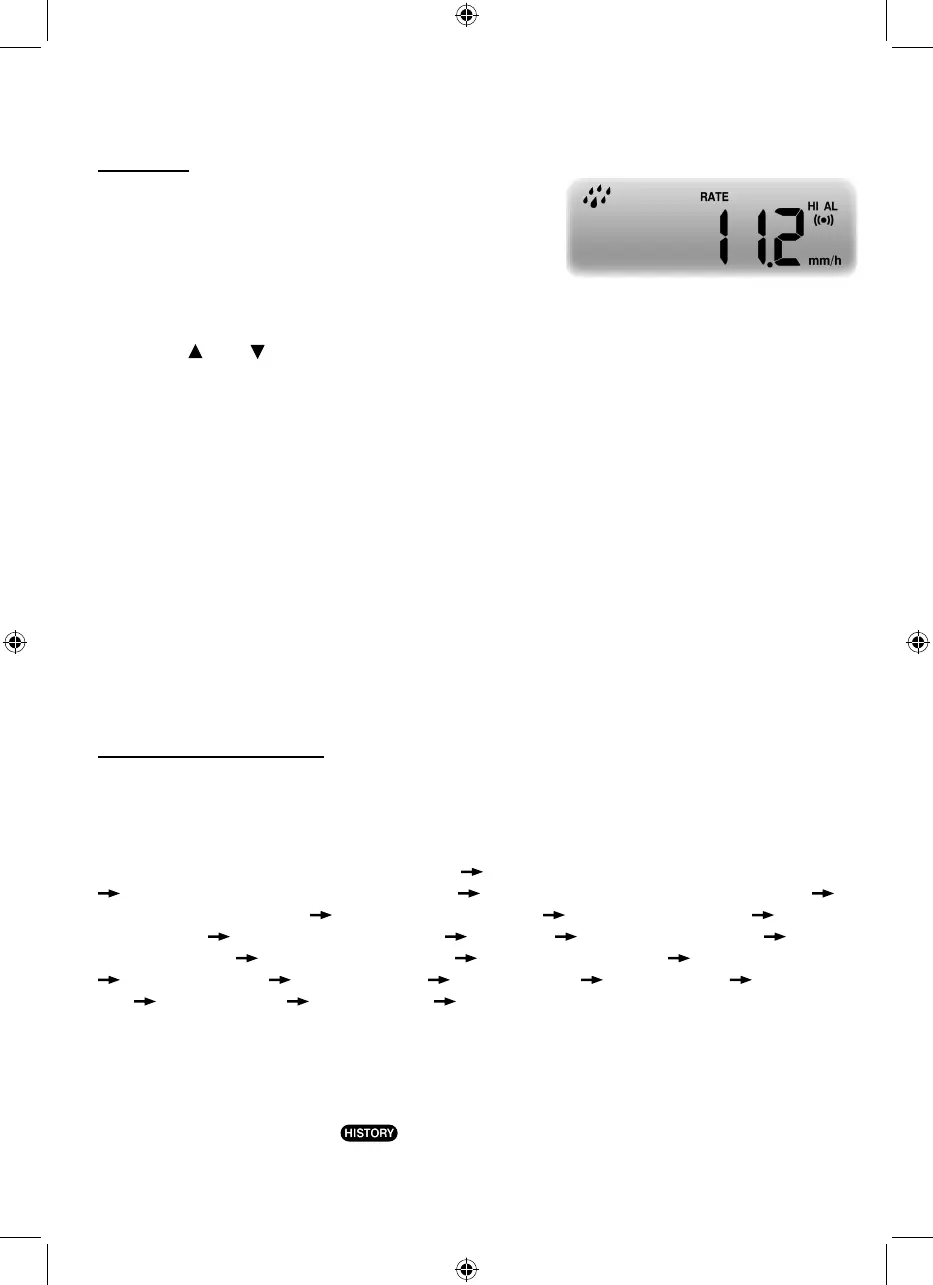
6. Rate - Current rainfall rate in past an hour (Update every 24 seconds)
TO RESET THE TOTAL RAINFALL RECORD
In normal mode, press and hold [ HISTORY ] key for 2 seconds to reset all the rainfall record.
NOTE:
To ensure correct data, please reset all the rainfall record when you reinstall your wireless 5-IN-
1 sensor to other location
MAX / MIN DATA RECORD
The console can record the accumulated MAX / MIN weather data with the corresponding time
stamp for you to easy review.
TO VIEW THE ACCUMULATED MAX / MIN
In normal mode, press [ MAX / MIN ] key to check MAX/MIN records. The display sequence is:
indoor (or current channel) MAX temperature indoor (or current channel) MIN temperature
indoor (or current channel) MAX humidity indoor (or current channel) MIN humidity
outdoor MAX temperature outdoor MIN temperature outdoor MAX humidity outdoor
MIN humidity MAX average wind speed MAX gust MAX relative pressure MIN
relative pressure MAX absolute pressure MIN absolute pressure MAX FEELS LIKE
MIN FEELS LIKE MAX heat index MIN heat index MAX wind chill MIN wind
chill MAX dew point MIN dew point MAX daily rainfall.
TO CLEAR THE MAX/MIN RECORDS
Press and hold [ MAX / MIN ] key for 2 seconds to reset the MAX / MIN records of specify
weather display section.
NOTE:
The LCD will also display the "
" icon, data records time & date.



 To Next Page