RH490 V2.0 12/06
4
Operation
Power
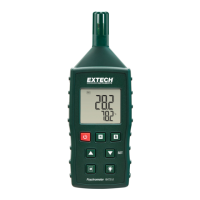
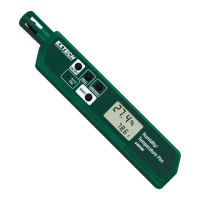
Press the power button “ “ to turn power on or off.
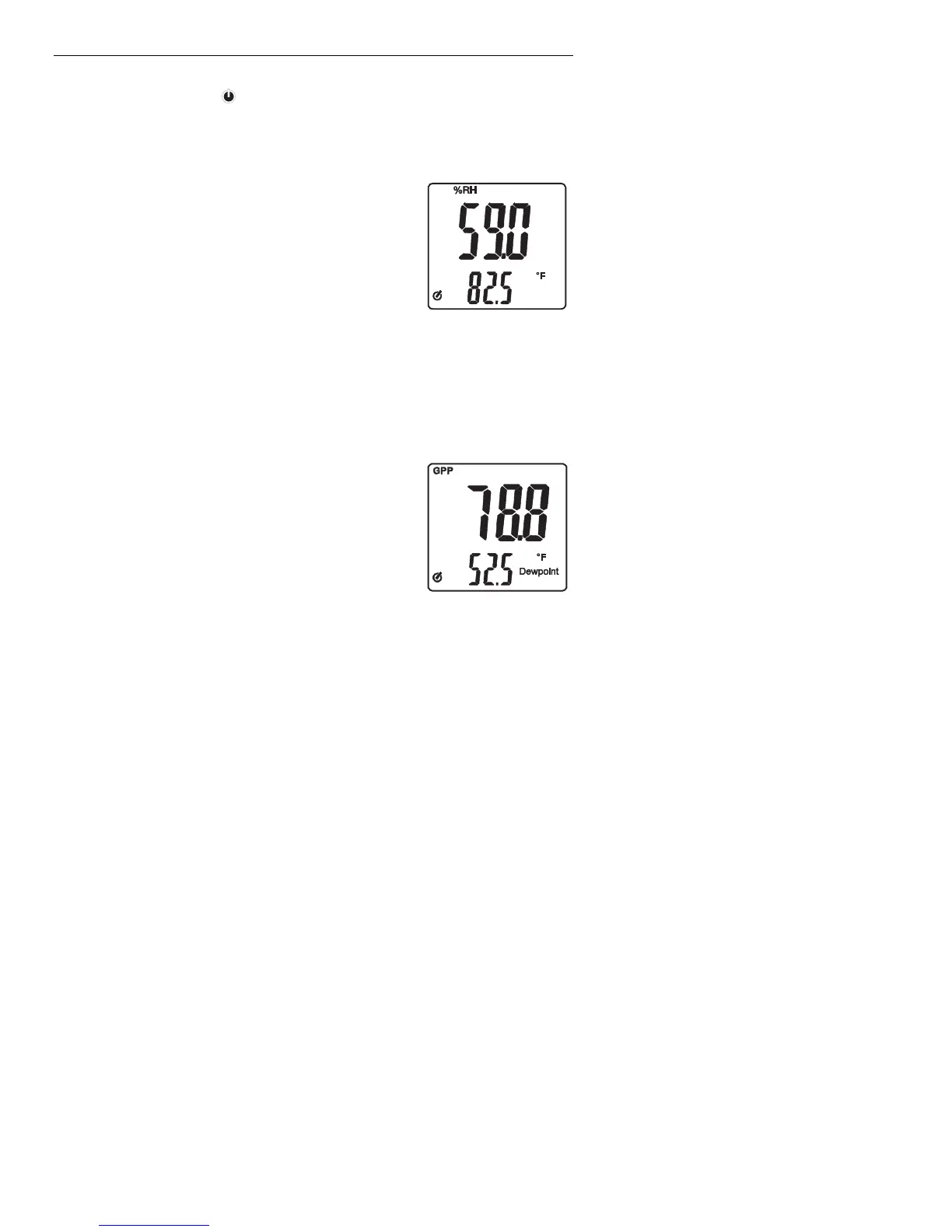
%RH
1. To select %RH measurement, press the
“%RH/GPP/g/Kg” button.
2. Hold the probe in the area to be tested.
3. Allow adequate time for readings to stabilize.
4. The Relative Humidity measurement appears in the
top display.
5. Pressing the “°F/°C/WBT/Dew Point” button
toggles the lower display between Temperature
(°F), Temperature (°C), Dew Point (°C), Dew Point
(°F), Wet Bulb (°C) and Wet Bulb (°F).
Mixing Ratio (Grains Per Pound or Grams Per Kilograms)
1. To select GPP or g/kg measurement, press the
“%RH/GPP/g/Kg” button.
2. Hold the probe in the area to be tested.
3. Allow adequate time for readings to stabilize.
4. The GPP or g/Kg measurement appears in the top
display.
5. Pressing the “°F/°C/WBT/Dew Point” button
toggles the lower display between Temperature
(°F), Temperature (°C), Dew Point (°C), Dew Point
(°F), Wet Bulb (°C) and Wet Bulb (°F).


 To Next Page