EasyManua.ls Logo

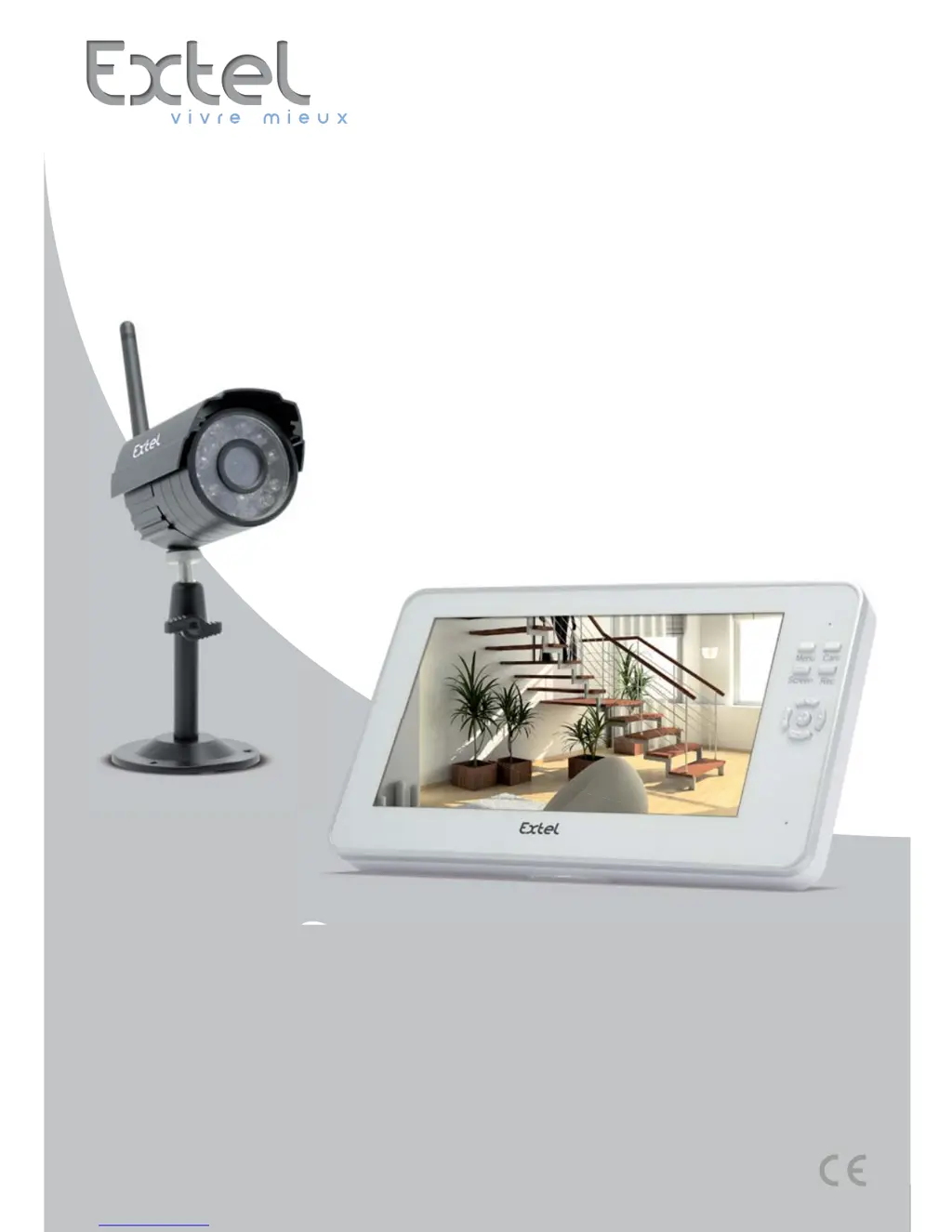
Extel O’PLUS - User Manual

Extel O’PLUS
72 pages
Print Icon
To Next Page IconTo Next Page
Loading...
CFI EXTEL O’PLUS - 07/2014 - V1
F1
O’PLUS
Ed. 07-2014 V1
Type : JLT-808 = JLT-808T + JLT-808R
Guide d’installation et d’utilisation
Manuale d’installazione e uso
Instrucciones de uso e instalación
Guia de instalação e de utilização
Installation and user guide
Installatie en Gebruiksaanwijzing
Installation und Bedienungsanleitung

Questions and Answers

  • C
    Carlos HarrisAug 5, 2025
    What to do if my Extel Security System has no image?
    • T
      Teresa CalhounAug 5, 2025
      If your Extel Security System monitor isn't displaying an image, first ensure the camera is powered on by checking the adapter connection. If that's not the issue, the monitor might not be receiving a signal; try moving the camera closer to find a better position. As a last resort, the camera may not be paired; in this case, you should perform the pairing procedure.
  • S
    Susan BrownAug 14, 2025
    How to fix Extel Security System monitor that does not turn on?
    • J
      Joseph JacksonAug 14, 2025
      If your Extel Security System monitor doesn't turn on, it could be due to a power supply problem. Check that the adapter is properly connected. Alternatively, the battery may be depleted; connect the monitor to the mains power supply to resolve this.
  • P
    paulbellAug 23, 2025
    Why does my Extel Security System have no sound?
    • W
      William FrancisAug 23, 2025
      If there is no sound on your Extel Security System, ensure that the volume isn't set to the lowest level in the settings.

Summary

Safety Instructions

General Safety Instructions

Essential safety procedures for fitters, users, and technicians.

Important User Responsibilities

User's duty to verify compliance with local surveillance laws and contact authorities.

Interference and Placement Warnings

Avoidance of wireless device interference by maintaining a minimum distance.

Kit Contents

Monitor Description

Installation

Battery Charging

Instructions for initial battery charging and status display.

Monitor Installation

Guidance on selecting a suitable location and setting up the monitor.

Camera Installation

Steps for mounting and positioning the camera for optimal viewing.

Camera Connection

How to connect the camera to the power adapter and mains outlet.

Pairing Additional Cameras

Procedure for associating extra cameras with the monitor system.

Infrared Lighting

Information about the camera's automatic infrared illumination in low light.

Use

Recording

How to record video sequences or capture photos using the device.

Playing Recorded Content

How to view recorded videos and photos from the SD card.

Menu Navigation and Functions

Detailed explanation of the monitor's menu structure and options.

Display on a Different Monitor

Technical Characteristics

General Specifications

Radio frequency, operating range, and general system capabilities.

Monitor Specifications

Screen size, resolution, power, dimensions, and operating temperature.

Camera Specifications

Power, sensitivity, lens details, resolution, and operating temperature.

Optional Features

Details regarding optional accessories like extra cameras.

Maintenance

Troubleshooting

Safety Instructions

FCC;CE Warning

Extel O’PLUS Specifications

General IconGeneral
BrandExtel
ModelO’PLUS
CategorySecurity System
LanguageEnglish

Related product manuals