EasyManua.ls Logo

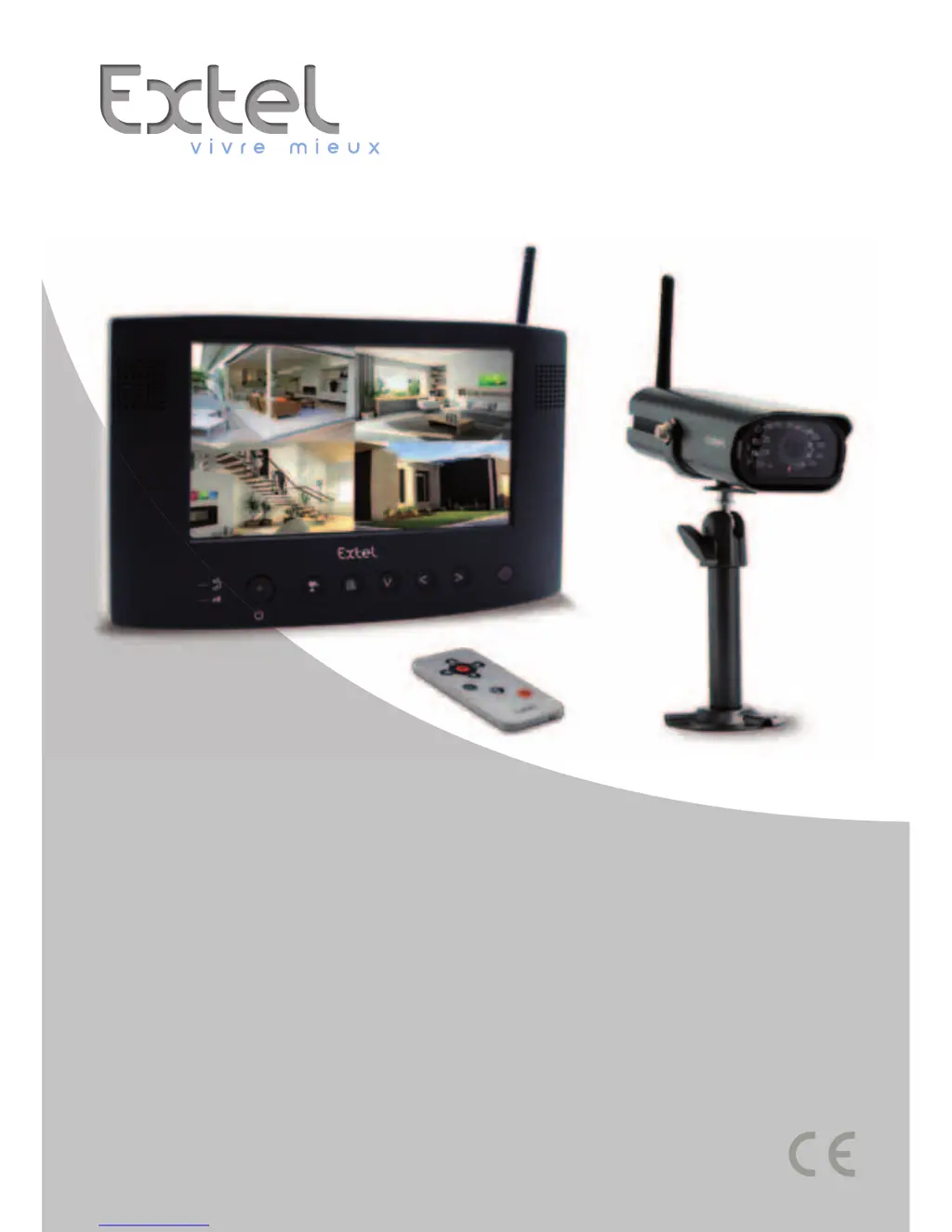
Extel WESV 82500 - User Manual

Extel WESV 82500
95 pages
Go to English
Print Icon
To Next Page IconTo Next Page
Loading...
Guide d’installation et d’utilisation
Manuale d’installazione e uso
Instrucciones de uso e instalación
Guia de instalação e de utilização
Installation and user guide
Installatie en Gebruiksaanwijzing
Installation und Bedienungsanleitung
WESV 82500
Ed. 10-2011 V
Type : DW-8173

Table of Contents

Questions and Answers

  • C
    chris46Jul 31, 2025
    What to do if my Extel Security System shows 'no signal' and no image?
    • G
      Geoffrey SmithJul 31, 2025
      If your Extel Security System monitor displays a 'no signal' message and there is no image, there are several possible causes. First, check the camera's power adapter to ensure it is properly connected. Also, the camera might not be paired with the monitor; in this case, you will need to refer to Chapter 6. c. Finally, the signal might not be reaching the monitor; try moving the camera closer to the monitor or finding a better location to improve signal reception.
  • J
    Justin GarciaAug 15, 2025
    Why Extel Security System remote control unit does not work?
    • D
      David Burch IIAug 16, 2025
      If your Extel Security System remote control isn't working, first, if it's the first time you're using it, remove the transparent protection from the battery. If that doesn't solve the problem, try replacing the battery.

Summary

Safety Instructions

Safety Information and Precautions

Read manual, follow procedures, check warnings, prevent interference, understand user responsibility.

Kit Composition and Technical Specifications

Kit Components

Monitor, camera, and all accessories included in the kit.

Technical Specifications

Detailed specifications for the monitor and camera.

Installation Procedures

Camera Installation

Component identification, mounting, power, IR, pairing.

Monitor Installation

Placement guidelines, safety, and pairing.

Functionality and Usage

Basic Operation and Controls

Powering on, connecting cameras, basic operation, volume, display modes.

Advanced Features and Settings

Brightness, video output, screen saver, zoom, signal quality, remote control.

Recording and Safety Settings

Indicators, motion detection, recording events, and directory setup.

Video Capture and Event Logging

Recording video, taking pictures, and viewing event logs.

Display Configuration and Software Version

Display options, language, and software version information.

External Display and PC Integration

Connecting to External Displays

Connecting monitor to TV or PC for viewing.

PC Software Setup

Installing and configuring PC surveillance software.

Maintenance and Troubleshooting

Maintenance and Cleaning

General precautions for cleaning and maintaining the product.

Troubleshooting Common Issues

Solutions for power, image, camera, and remote control problems.

Safety and Compliance Warnings

Additional Safety Guidelines

Warranty, electrical hazards, and general safety practices.

FCC;CE Compliance Warnings

Compliance, interference, and radio wave usage rules.

Extel WESV 82500 Specifications

General IconGeneral
BrandExtel
ModelWESV 82500
CategorySecurity System
LanguageEnglish

Related product manuals