CFI EXTEL WESV 82500 - 12/2011 - V1
*%
CFI EXTEL WESV 82500 - 12/2011 - V1
*%
d. Display of the camera or the cameras
To view one or several cameras (if you have installed additional cameras), press the key of
the monitor or of the remote control unit.
Caution, in the case of several cameras, you should make sure that they are parameterized
in view in the menu.
To do so, press the key of the monitor, and make sure that the channels of the saved ca-
meras are set on “ON” Example: “CAM* ON”.
To modify it, select the channel with the key
T
and modify the state with the keys W and X.
The cameras in “OFF” position will not be visible during the manual or automatic scrolling.
The number in the left upper corner of the screen indicates the selected camera.
Press again the same button to scroll the other cameras.
e. Setting the sound level
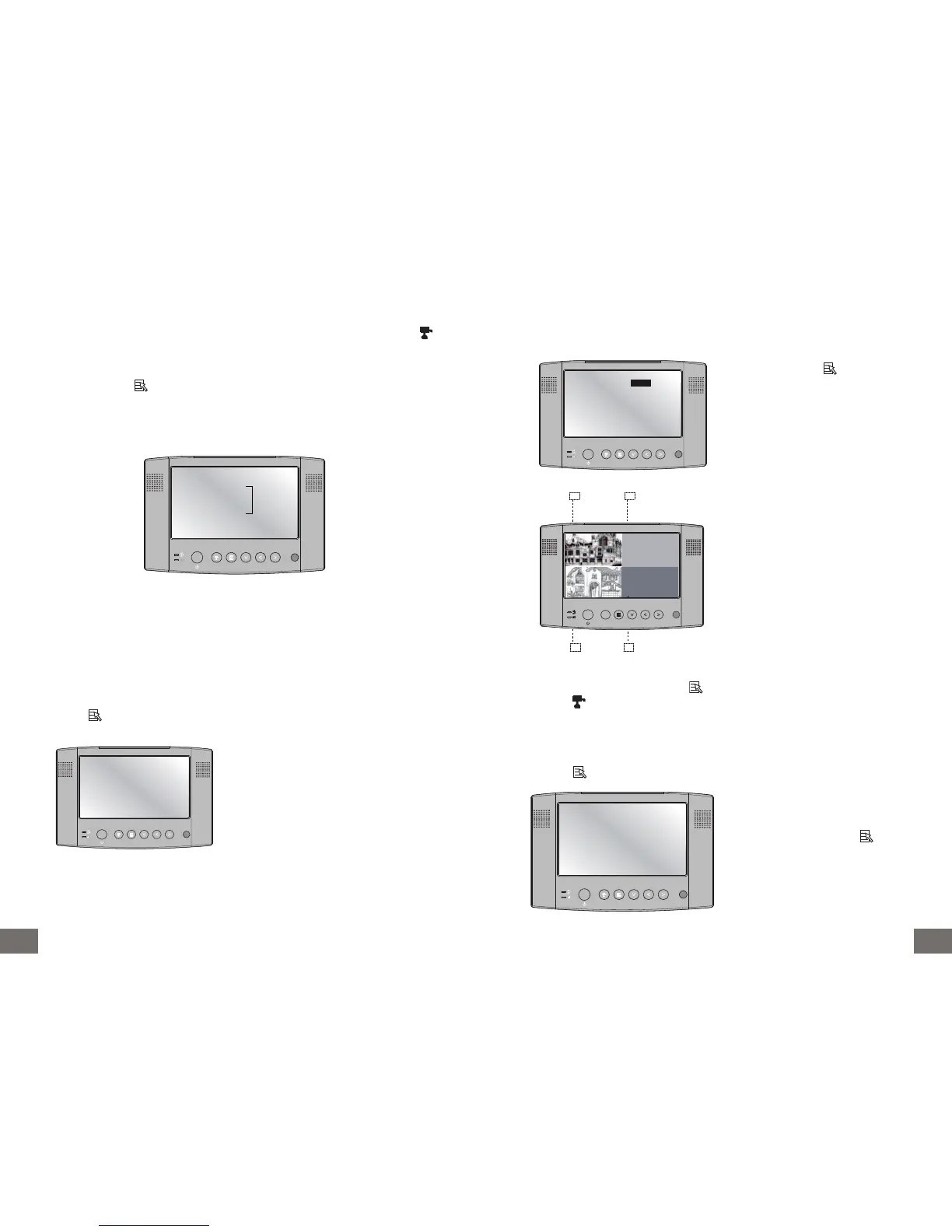
Press the key of the monitor or the remote control unit, a menu appears:
Audio Vol 10
Scan Time OFF
Pair CAM 1 2 3 4
Systern Setup
Factory Reset
CAM1 ON
CAM2 ON
CAM3 ON
CAM4 ON
Audio Vol 10
Scan Time OFF
Pair CAM 1 2 3 4
Systern Setup
Factory Reset
CAM1 ON
CAM2 ON
CAM3 ON
CAM4 ON
Raise or lower the sound volume with
the keys W and X of the monitor or the
remote control unit.
f. Scan Time or QUAD function (to use only in the case of several cameras)
g. Setting screen
“Menu System Setup” :
Press the key of the monitor or the remote control unit, a menu appears:
Press the button of the monitor on
SCAN TIME with the keys W and X, se-
lect the scrolling time (5, 10, 15, 20 se-
conds) or the display in quad mode.
(Reminder: only the cameras set on
“ON” viewing mode will be visible, see
paragraph d).
Audio Vol 10
Scan Time QUAD
Pair CAM 1 2 3 4
Systern Setup
Factory Reset
CAM1 ON
CAM2 ON
CAM3 ON
CAM4 ON
CH2
CH1
CH3 CH4
The camera 1 in the left upper corner of
the screen
The camera 2 in the right upper corner
of the screen
The camera 3 in the left lower corner of
the screen
The camera 4 in the right lower corner
of the screen
Black screen for the cameras non-con-
nected or not activated (OFF).
When you are in QUAD mode, the key is not activated. First, you have to quit the QUAD
mode (press TW X ) to access again the menu.
Audio Vol 10
Scan Time OFF
Pair CAM 1 2 3 4
Systern Setup
Factory Reset
CAM1 ON
CAM2 ON
CAM3 ON
CAM4 ON
With the key T of the monitor or the
remote control unit, go to the menu:
“System Setup” and press .



 To Next Page