Page 4 of 5
© 2024 ALANWINSTANLEY.COM All Rights Reserved. May not be reproduced or redistributed in any
way whatsoever without the express written permission of the author. V1.0 02/24
COUNTDOWN TIMER – the ‘d’ PROGRAMME
This special programme will turn the load either on or off after a time period has elapsed. It’s
operated by the CD button. Use it for eg battery chargers or small appliances in case you forget to
turn them off.
To set ‘d’ Countdown mode:
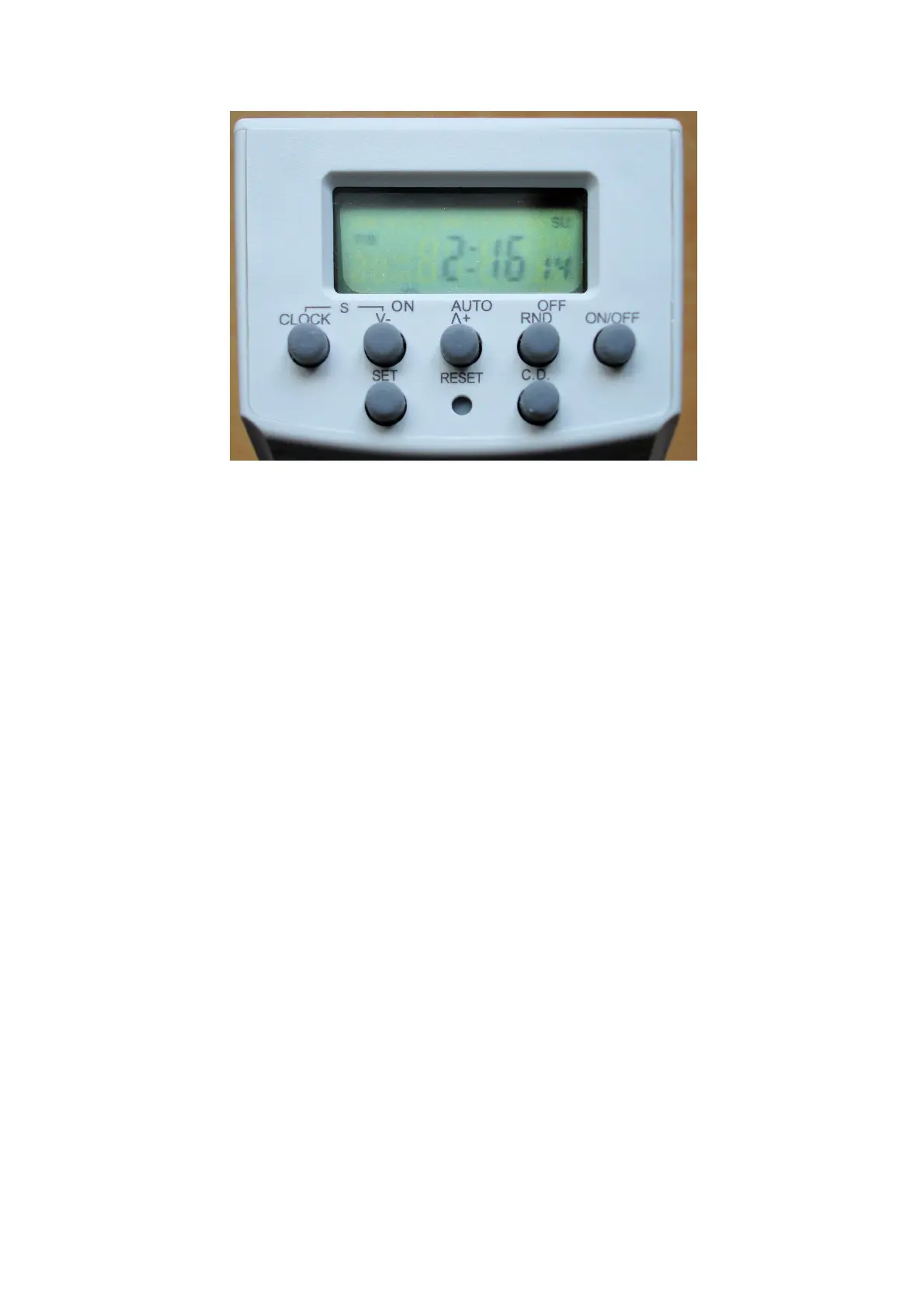
In CLOCK display mode, you can press ˅- (DOWN) to enter the ‘d’ programme directly. Or you must
use ˄+ (UP) to scroll through all 20 programmes until d
ON
appears.
Then press SET and ON will flash in the display. Use ˅- (DOWN) or ˄+ (UP) buttons to toggle
between ON and OFF. Press SET once you’ve chosen either the ON or OFF mode:
In ON mode, the load is ON and the time switch will count downwards until it turns it OFF.
In OFF mode, the load is OFF and the time switch will count downwards until it turns it ON.
Then use ˅- (DOWN) or ˄+ (UP) to input the time period, up to 99 hours and 59 minutes. Press SET
to complete.
To start countdown timing, the timer must be in AUTO mode, then press the CD button. CD will flash
in the display and timing commences. Pressing CD again cancels the countdown timer again.
If countdown timing has commenced, when in CLOCK mode, press ˅- (DOWN) to show the ‘d’
countdown elapsed time.
The CD Countdown mode, if used, will override any timer programmes (1-20). But Random mode
(see next) takes precedence over CD mode.


 To Next Page