Operating Manual
10
2.2 Changing/Installing Batteries
Warning! For iCAM501U refer to notes in section Error! Reference source not found.,
and refer to Error! Reference source not found. for permitted cells.
Warning! For iCAM502 refer to notes in section Error! Reference source not found.,
and refer to Error! Reference source not found. for permitted cells.
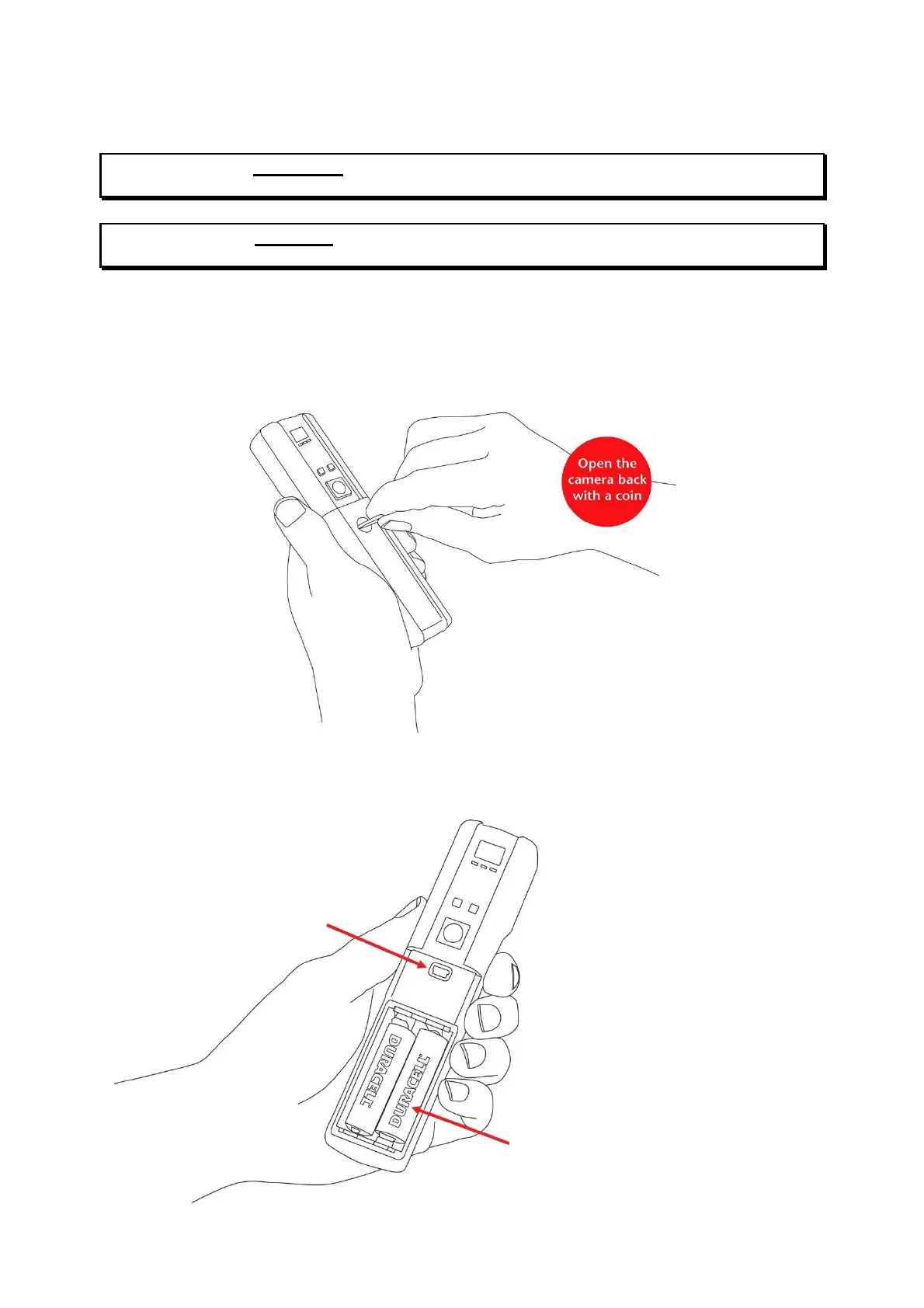
To change or install the batteries in the iCAM50x, turn the screw as indicated below to
remove the cover:
Install the batteries in the correct orientation (indicated on the enclosure) and close the lid
again:
Compartment



 To Next Page