Operating Manual
11
2.3 Powering On/Off
Information The iCAM50x must be fully powered on before plugging a USB cable into
the camera or taking a picture. This will be indicated when the green LED
has stopped flashing rapidly.
The Green LED will flash rapidly for ~10 seconds & the Blue and Red LED will flash briefly.
The Green LED then goes solid when ready. The Green LED flashing slowly (approximately
1 flash per second) indicates a low battery level.
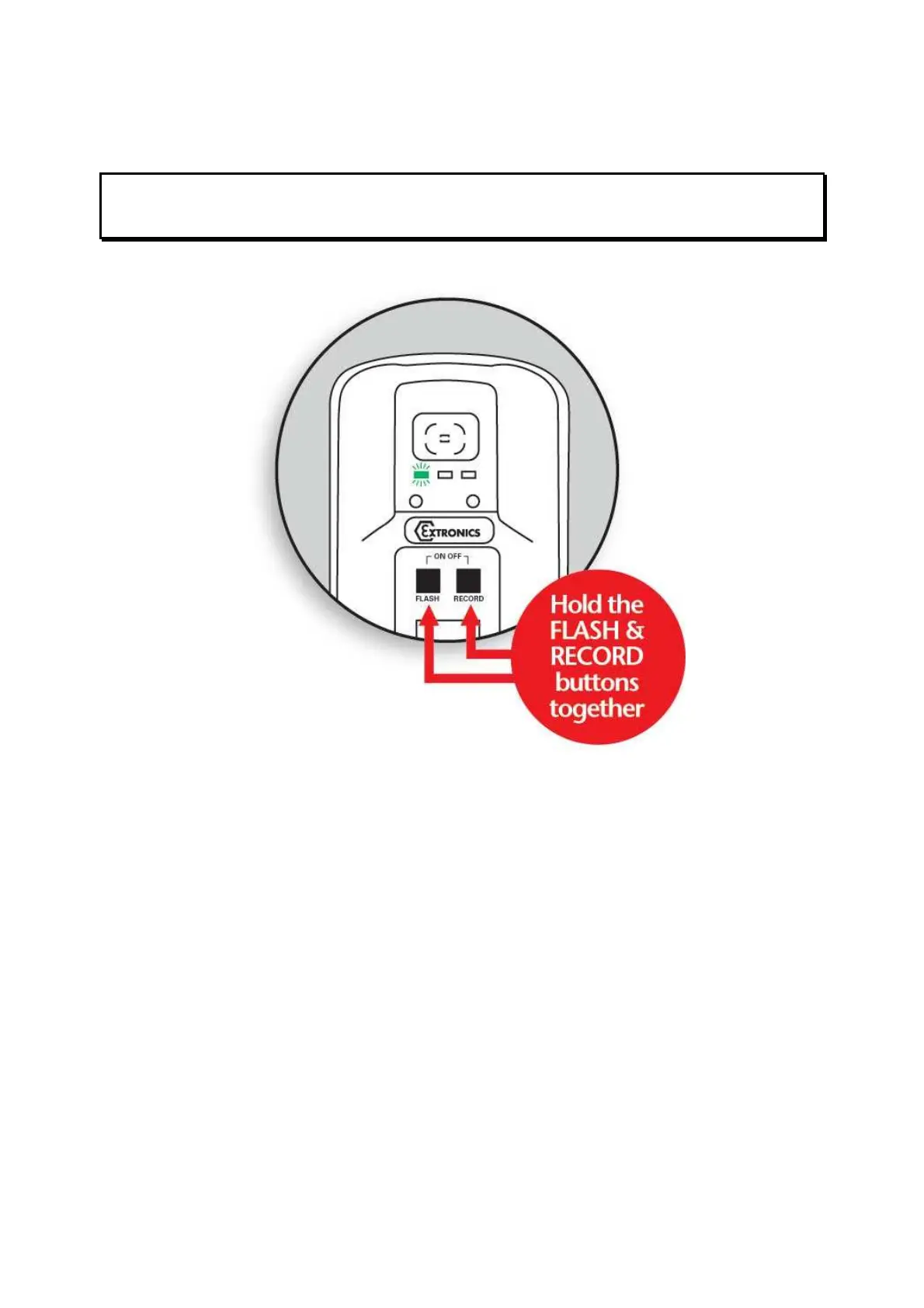
The diagram above shows how to power on the iCAM50x. The same procedure is required to
turn the iCAM50x off. Once it is turned off no LEDs should be lit.



 To Next Page