Operating Manual
15
2.7 Voice record function
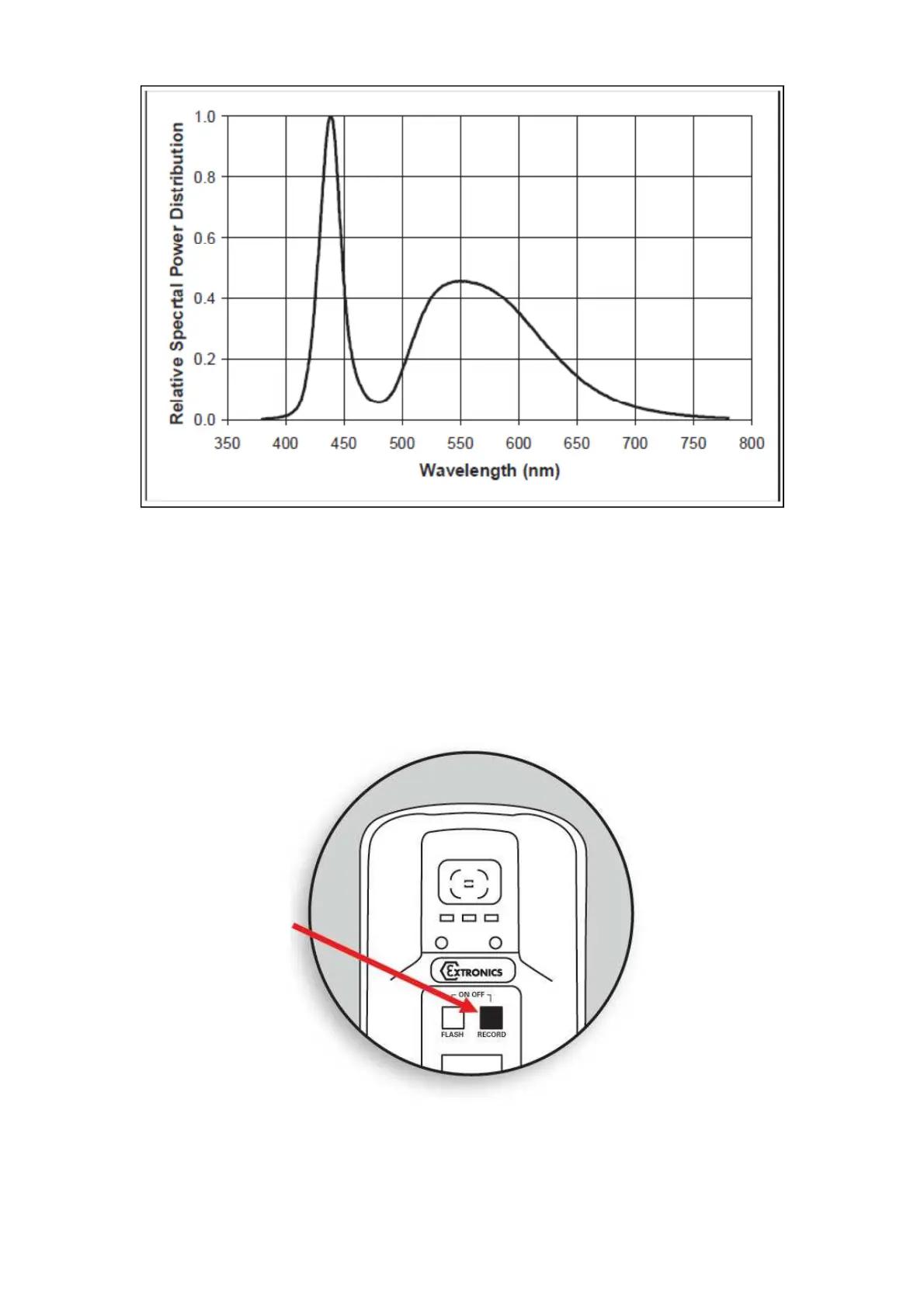
1. This feature allows a message to be associated with a picture. Press the record
button – the blue LED should illuminate, indicating the feature is enabled. Take a
picture in the usual way but CONTINUE to hold the picture button.
2. When the blue LED flashes, record your message and release picture button when
finished.
Note: The optimum distance is 10cm from the mouth which ensures that not too much
background noise is picked up. Once the audio recording is finished simply release the
button and the recording will be saved to the flash memory as a *.wav file with the same
filename as the image file.
Button
iCAM50x LED Flash Spectral



 To Next Page