Operating Manual
23
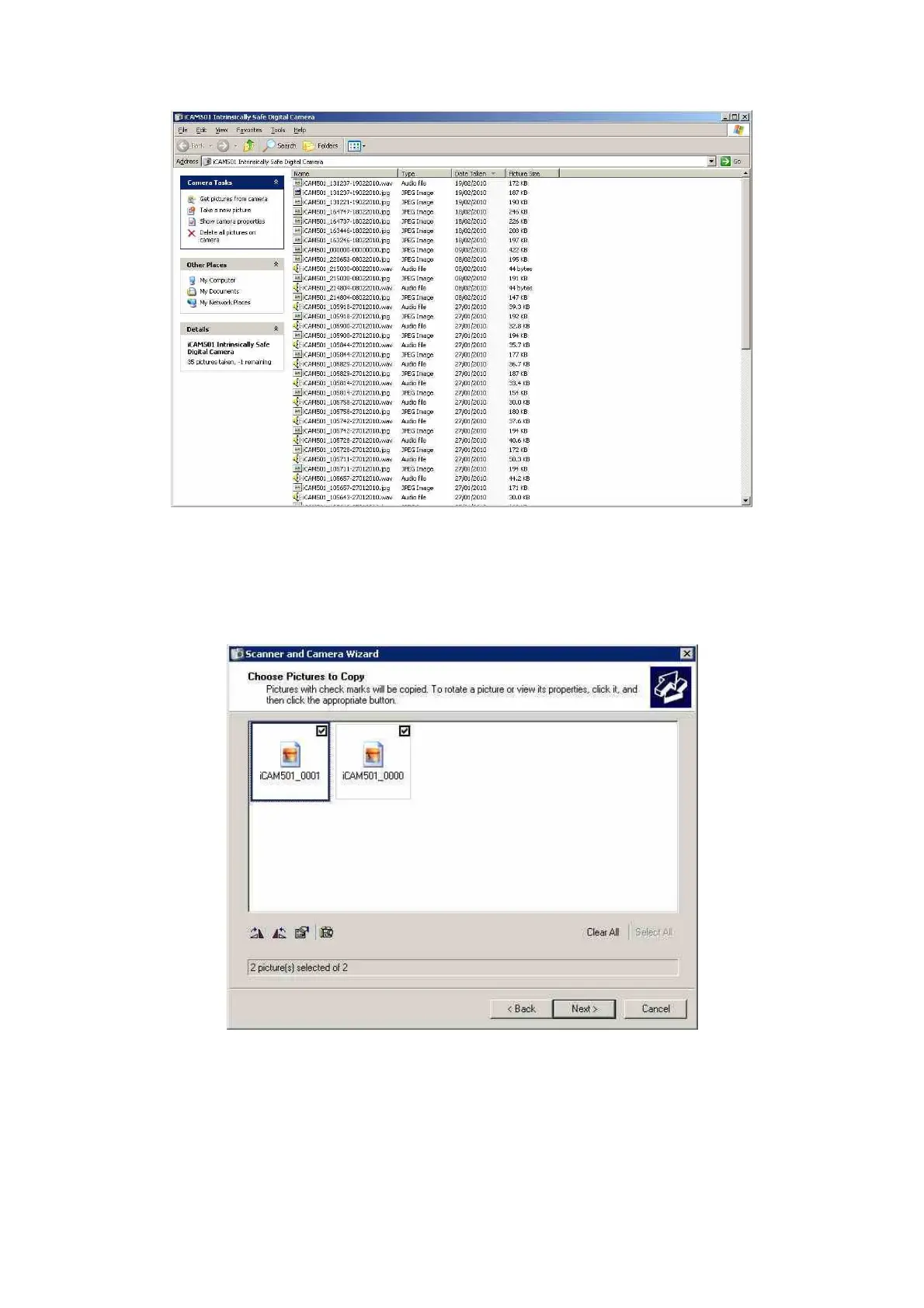
You will notice the audio file has been saved with the same numeric value as the picture it is
linked to.
If you do not have any audio to download you can use the PTP feature to quickly move
pictures to a folder of your choice. To do this click the next button and the windows below will
appear, here select the images you wish to use and click next again
Select the folder where you wish to save the pictures to



 To Next Page