Operating Manual
27
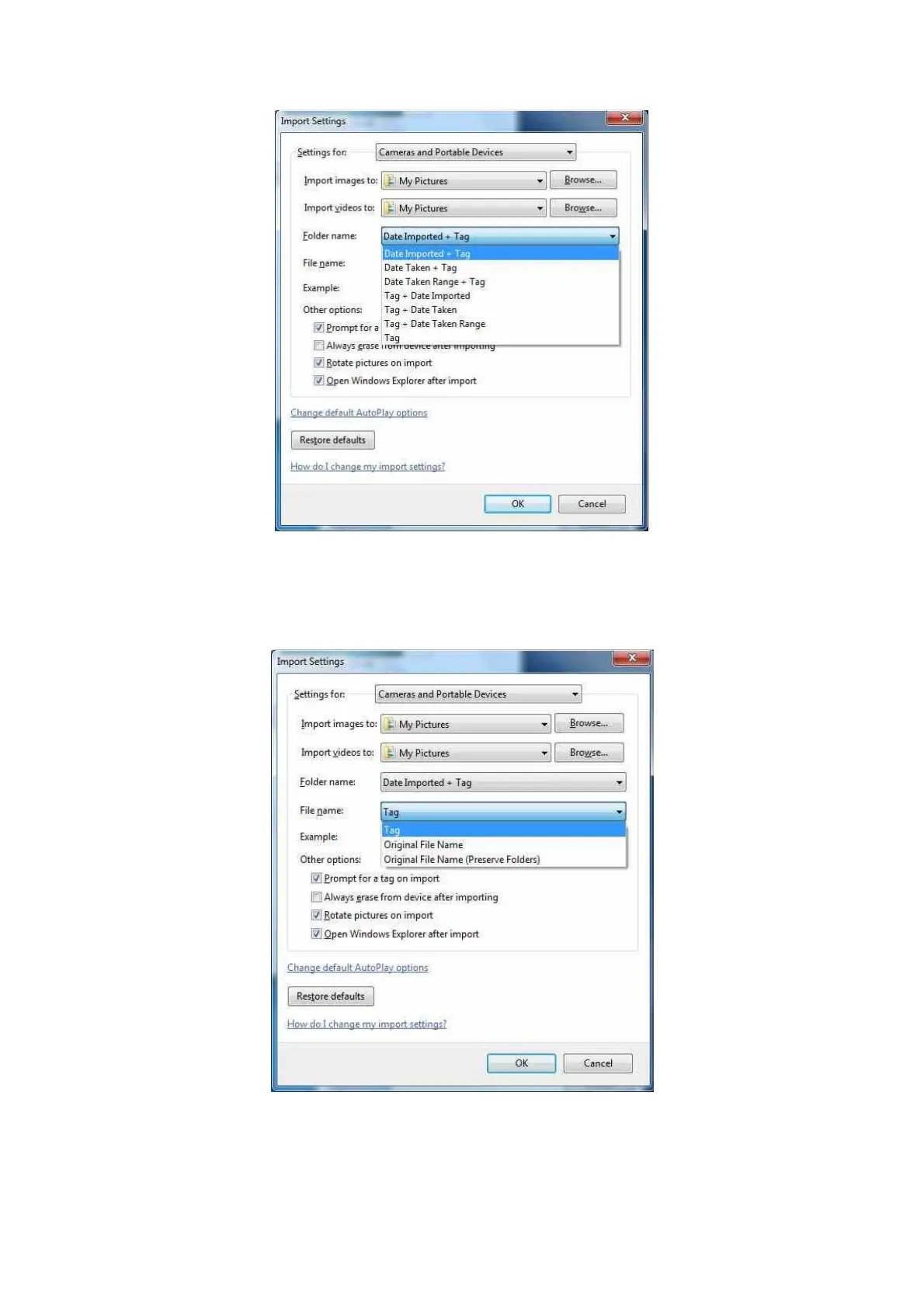
Select an option for how a file name is constructed. E.g. ..\My pictures\Date Imported +
Tag\Tag xxx.jpg. This will rename all imported files to the tag plus a number. Select original
file name if you wish to preserve the filename created by the iCAM50x as described in
section 2.9.
If prompt for tag on import is not selected the pictures will automatically be imported without
a tag. You can automatically erase all imported files from the iCAM50x by selecting the
always erase option.



 To Next Page