Operating Manual
29
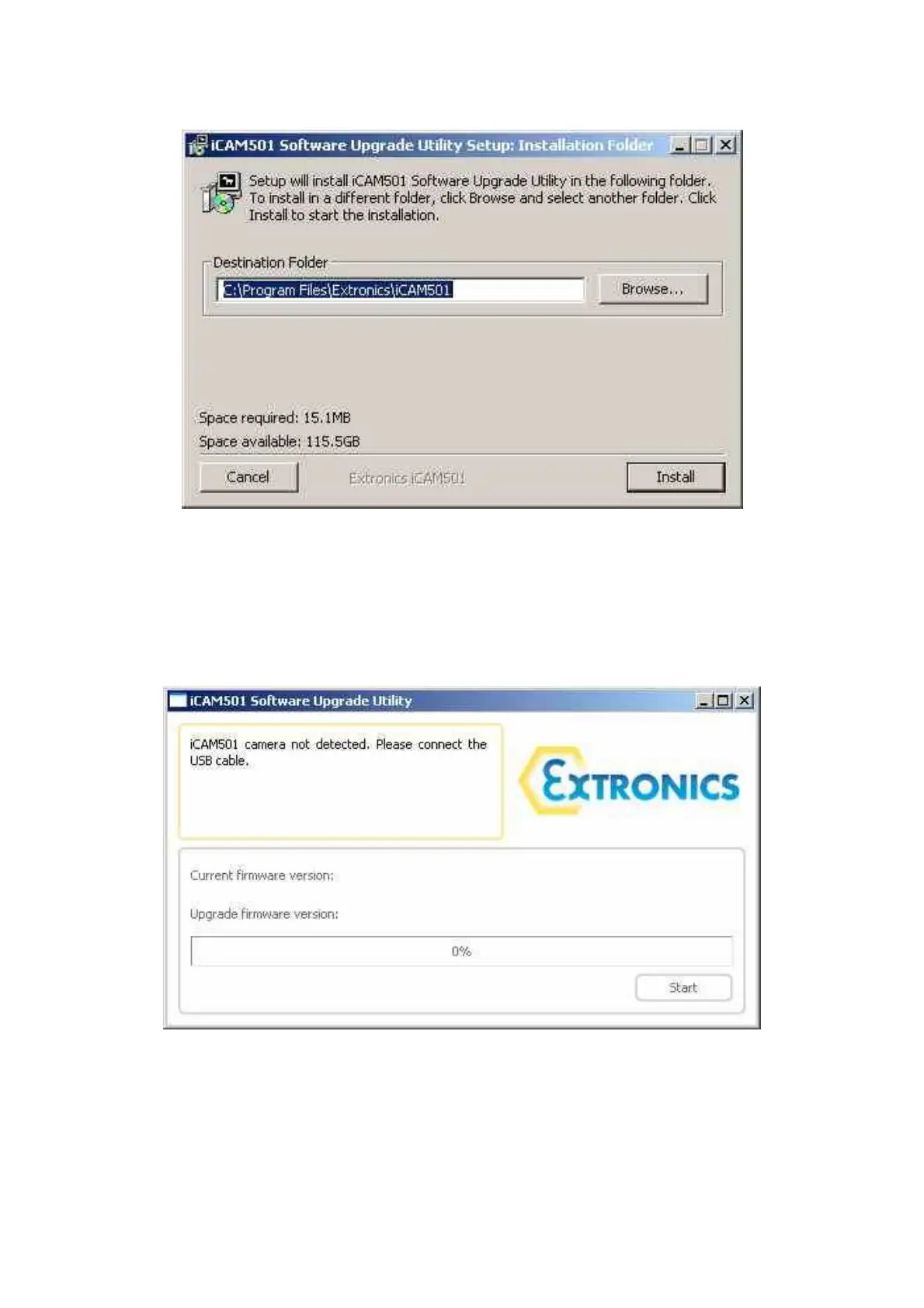
Once installation is complete, go to Start ->Programs -> Extronics -> iCAM50x and run the
desired installation configuration.
The following window should be displayed:
To put the iCAM50x into upgrade mode, power the camera down and then press and hold
the ‘trigger’ and ‘flash enable’ buttons until the blue LED begins flashing (this should be the
only LED lit).
Next, plug a USB cable into the iCAM50x, and into the PC. The upgrade application should
then prompt you to press the start button once it has recognised the iCAM50x is connected
and in the correct mode. Follow the on-screen instructions.



 To Next Page