Operating Manual
16
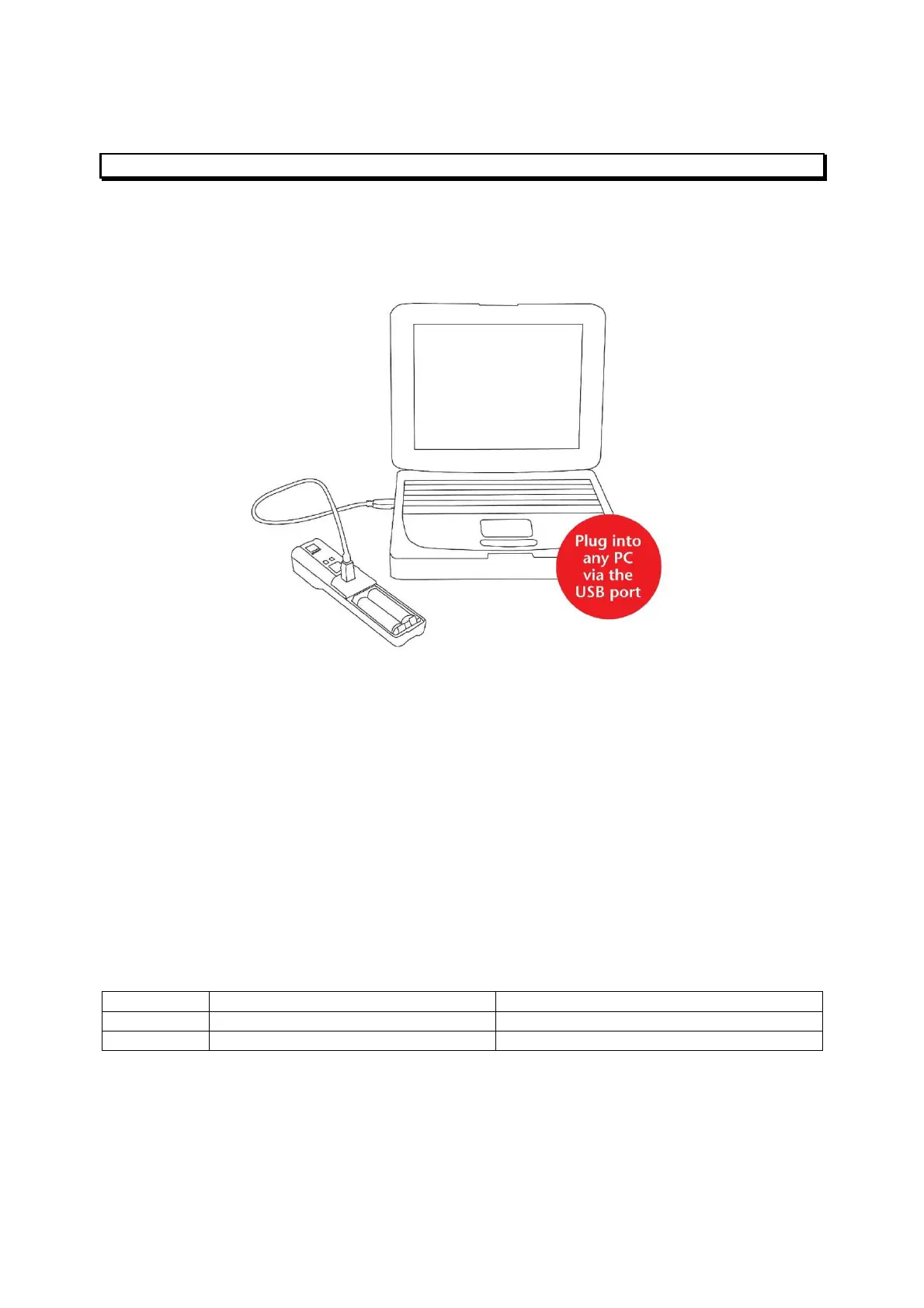
2.8 Connecting the iCAM50xto a computer
Note The iCAM50x does not require the installation of any drivers
Simply turn on the iCAM50x, connect the USB cable to a Windows 7, Vista or XP computer
and follow the onscreen instructions.
2.9 Downloading Pictures and Audio
The iCAM50x has been designed to use the widely supported Picture Transfer Protocol
(PTP) to allow it to easily communicate with multiple operating systems without having to
install drivers. This is supported by Windows XP and above, and also by most versions of
Linux.
The iCAM50x images are stored with the time and date shown in the filename, and the
properties of the file also contain the date and time the picture was taken. This date and time
is also stamped within the image. The iCAM50x automatically generates files with the
following name structure:
iCAM501U iCAM501_HHMMSS-DDMMYYY.jpg iCAM501_HHMMSS-DDMMYYY.aud.wav
iCAM502 iCAM502_HHMMSS-DDMMYYY.jpg iCAM502_HHMMSS-DDMMYYY.aud.wav
Where:
HH = Hour,MM = Minutes,SS = Seconds,DD = Day,MM = Month,YYYY = Year



 To Next Page