Operating Manual
18
2.9.2 Windows Vista / Windows 7
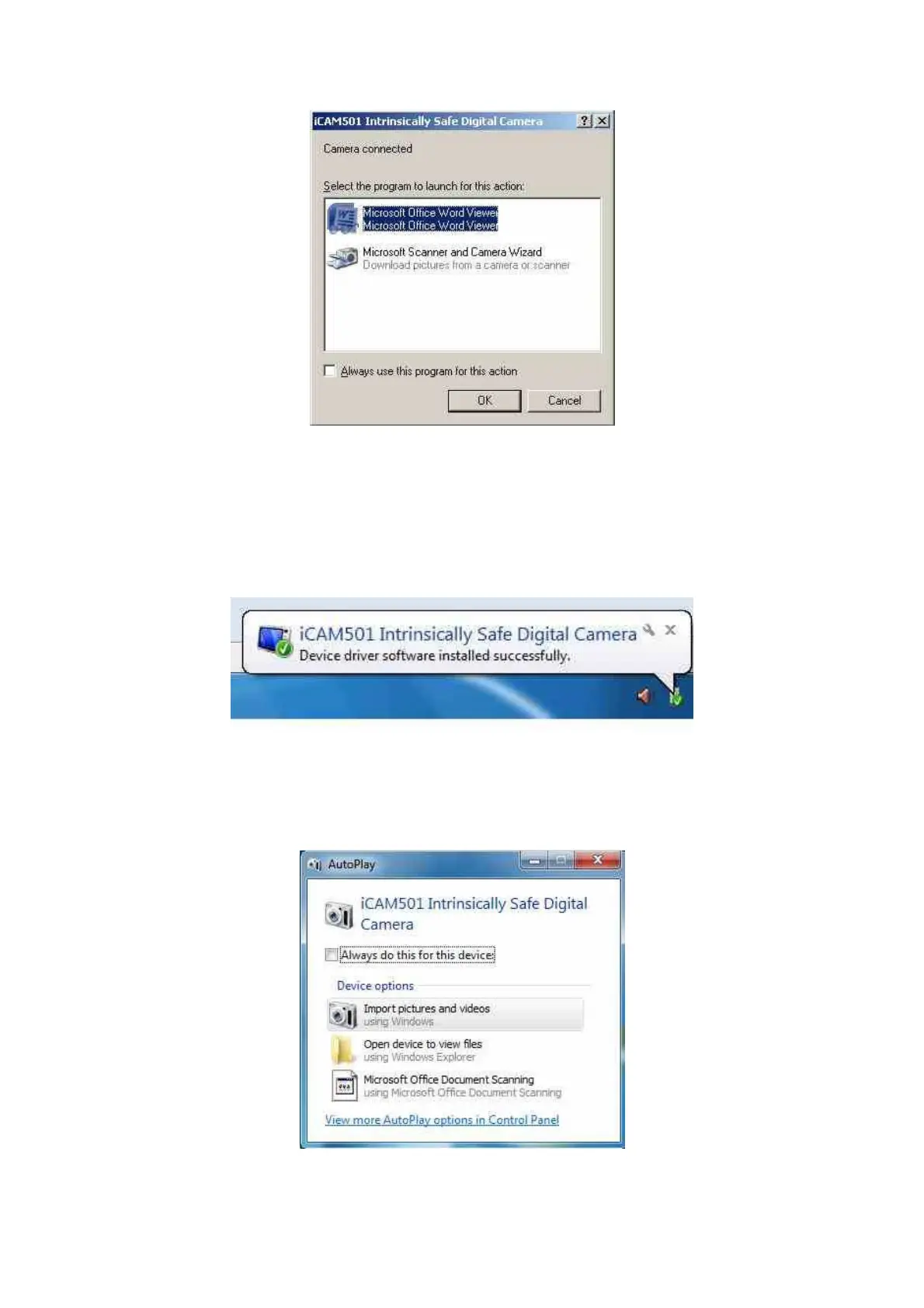
Once the iCAM50x has been connected to a machine running Windows Vista or Windows 7,
communication will automatically be established. A “balloon” icon will show up like the one
pictured below:
If the Windows Autoplay feature is enabled (it is enabled by default) a window like the one
below will be shown. By clicking on any of the listed options and then clicking ok the files
currently on the camera will be displayed in the chosen application. By clicking the close
button nothing will happen.



 To Next Page