Operating Manual
26
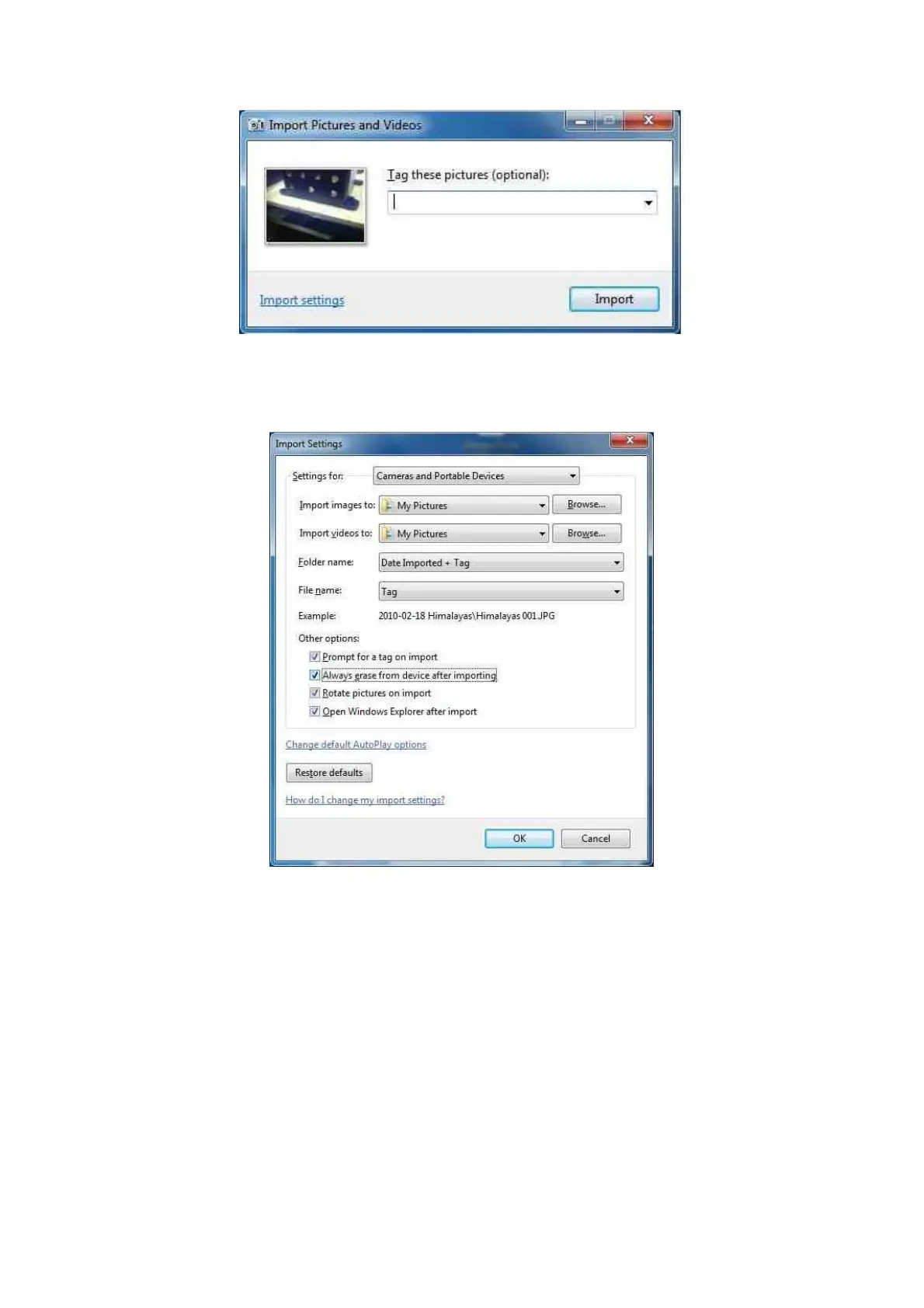
Click on the Import settings to customize the where and the way in which Windows will
import the pictures.
Here you can select you preferences for downloading pictures. You can choose the folder
where all pictures should be imported to by clicking the browse button. Select the option for
how a folder name is created when downloading pictures, i.e. it will import to ..\My
pictures\Date Imported + Tag\



 To Next Page