3. Battery Level
3.1 eyecloudCam App
3.2 Device
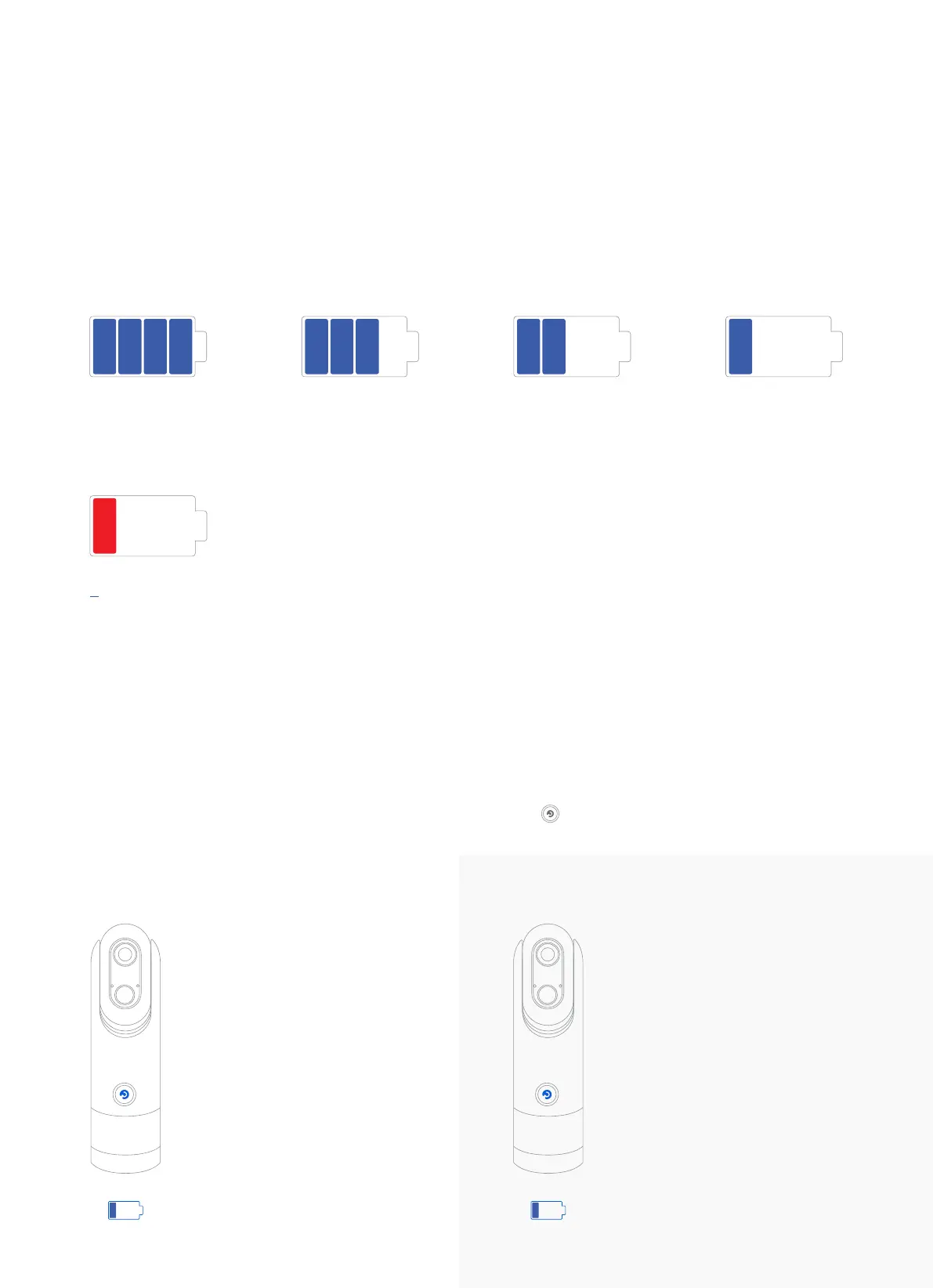
Check the battery level via: App -> Camera -> Settings -> Camera Info -> Battery Level
Check the Camera Battery Level by pressing the function button ( ) once.
Low Battery (30%-16%)
LED is off when you press the
button.
The following functions are
blocked:
Pairing
OTA
Wifi Reconfiguration
Unbind
100%-81%
all functions supported
80%-61%
all functions supported
60%-31%
all functions supported
30%-16%
ota update not allowed
15%
Not allowed:
- live streaming;
- ota update;
- playback.
30%-16%
PAIRED
Low Battery (30%-16%)
LED blinks for 3 seconds when
you press the button.
The following functions are
blocked:
Pairing
OTA
Wifi Reconfiguration
Unbind
30%-16%
NOT PAIRED
<
3



 To Next Page