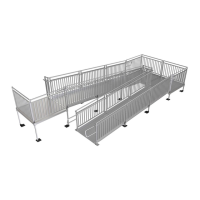
2. INSTALLING GUARDS AND FILLER SECTIONS:
2.1 After the ramps are set, install 5’ guards and corner posts as described in the main manual
depending on the platform configuration. The 7’ guard is installed in the same manner as
shorter guards. Refer to the main manual titled Titan Series Commercial Ramp System
Installation Manual for installation instructions.
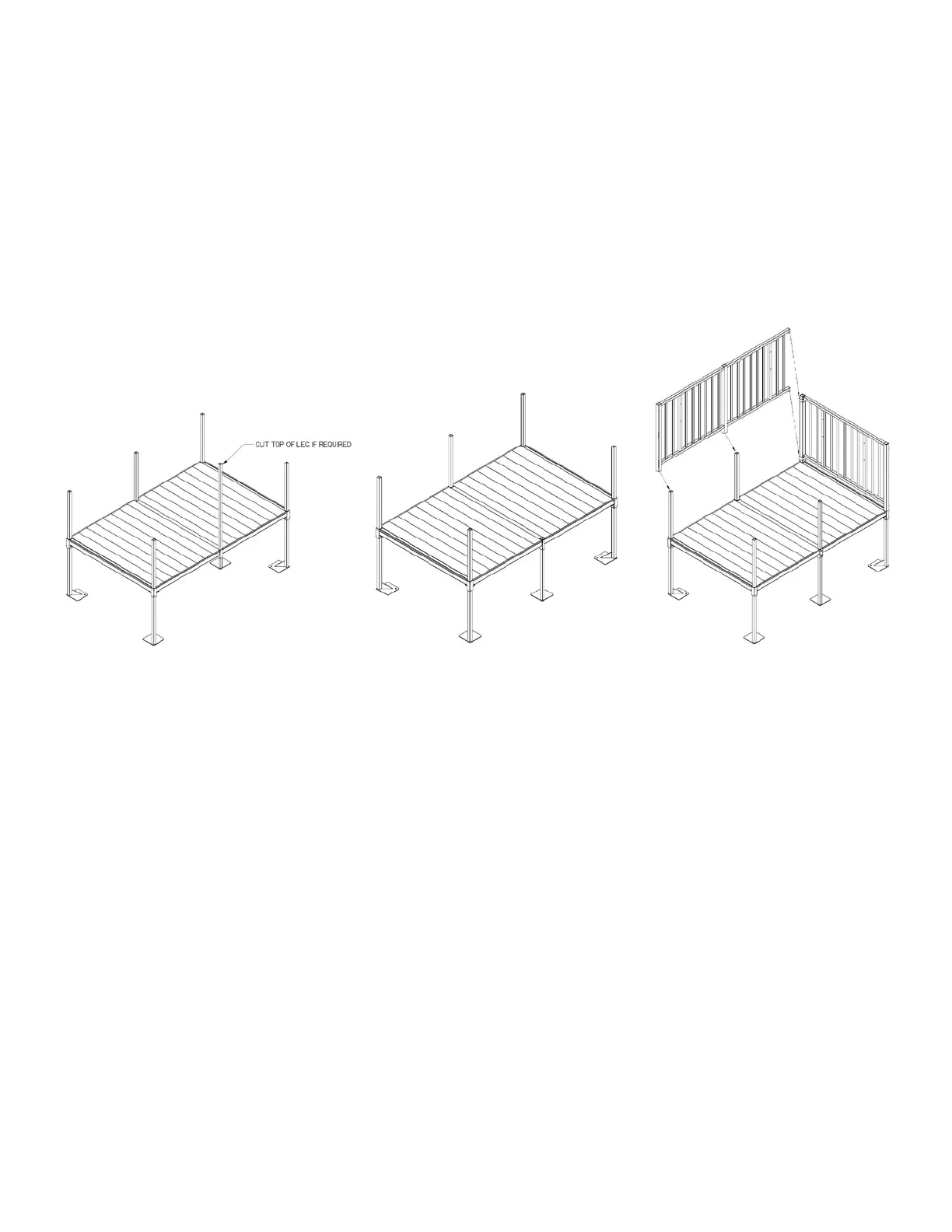
2.2 For the 8’ platform guard, the center post in the guard is installed over the leg in the center of
the 8’ side of the platform (Fig. 4).
2.3 The 7’ and 8’ filler sections are installed adjacent to ramps in the same manner as the 5’ & 6’
filler sections depending on the configuration. Refer to the main manual titled Titan Series
Commercial Ramp System Installation Manual.
2.4 Make sure all the plugs are installed in the top of the guard and filler section posts and that all
fasteners are tightened securely, including the four setscrews in the “center” pockets of the 8’
platform.
Fig. 2 Fig. 3 Fig. 4


 To Next Page
 Loading...