EZ-Guide
®
500 Lightbar Guidance System
Quick Reference Card
www.EZ-Guide.com
EZ-Guide
®
500 Lightbar Guidance System
Quick Reference Card
www.EZ-Guide.com
EZ-Guide
®
500 Lightbar Guidance System
Quick Reference Card
www.EZ-Guide.com
Map the AB Line GuidanceSelect the pattern
Reset guidance
EASY MODE APPLICATION USE
Easy mode enables you to access basic guidance more quickly. It is the default operation mode.
Note - If you select the A+ pattern, you are prompted to enter the heading of the master guidance line. If you
select the Headlands pattern, you are prompted to select the number of headland circuits.
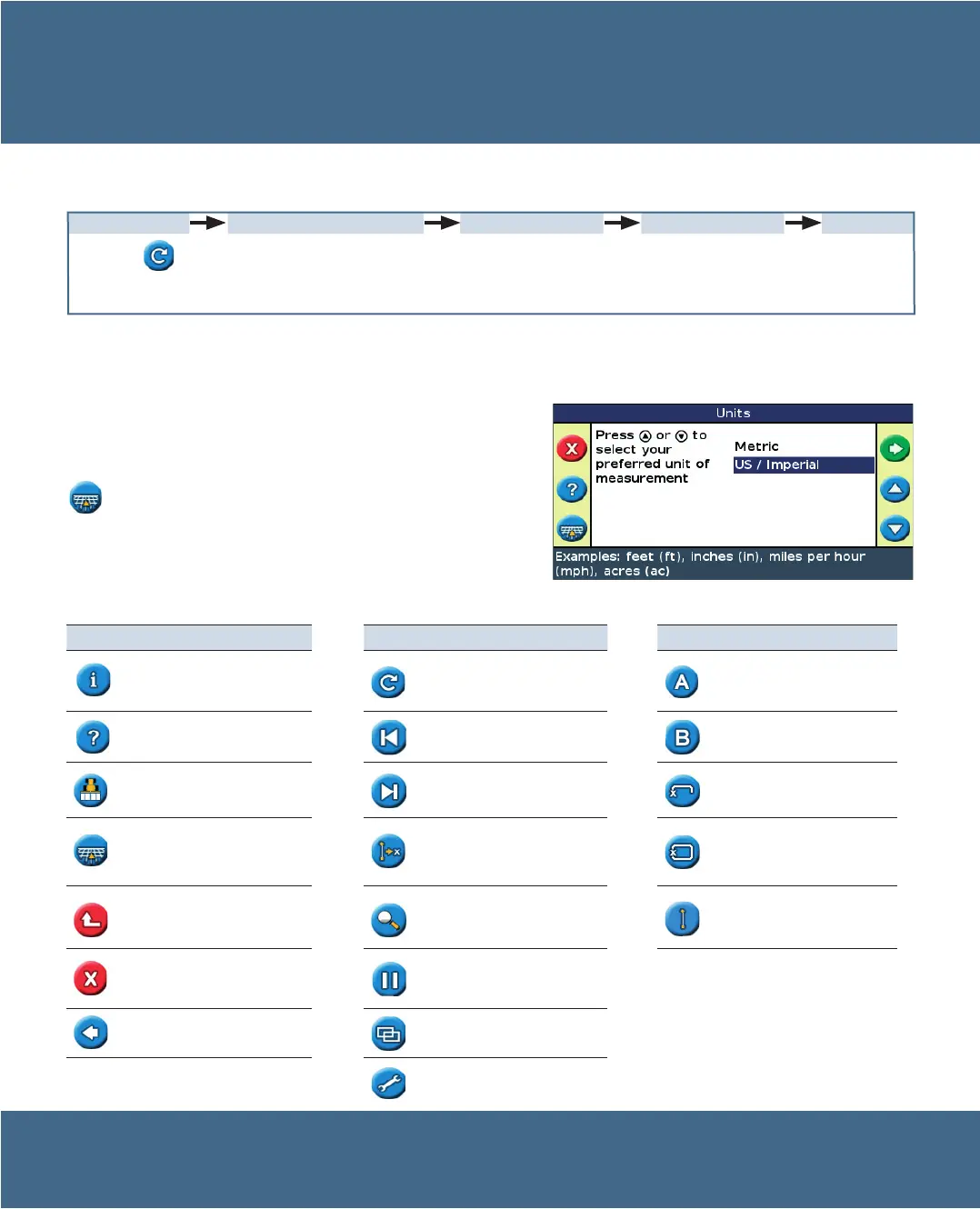
Quick Start Wizard
By default, the Quick Start Wizard appears every time you turn on
the EZ-Guide 500 lightbar. It enables you to confirm or change
important system settings before you begin working.
To cancel the Quick Start Wizard and go directly to guidance, press
.
Icon Description Icon Description Icon Description
Displays information tabs Reset guidance Set Point A
Displays built-in help Nudge guidance line left Set Point B
Turns on or off coverage logging Nudge guidance line right Start headland
Return to map view
(Menu and wizard screens)
Shift to here
(Advanced mode only)
Finish headland
Return to previous menu
(Menu screens)
Change zoom level
Pause curve logging (record a
straight line segment)
Cancel changes
(Edit screens)
Pause, and get guidance back
to the pause position
Go back to previous screen
(Wizard screens)
Change views
(Advanced mode only)
Go to configuration menu
Select the icon
and then press o.
Set the implement
width, the overlap/skip,
and the forward/back
offset.
See GUIDANCE
PATTERNS.
Drive and define
the guidance line or
headland.
Configure the implement
Note - On the last screen in the Quick Start Wizard, you can
choose to hide the wizard during future startups.
Function (left side) Action (right side) Field definition (right side)


 To Next Page