19
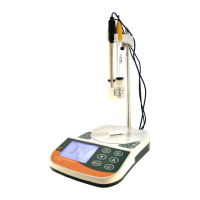
Connect to PC:
<System Requirement>
1. OS: Windows 2000, Windows XP, Windows Vista,
Windows 7.
2. USB host controller.
<Software Installation>
1. Open USB Driver folder and install USB
“PL2303_Prolific_DriverInstaller_vXXXXX.exe”
2. Copy “GOnDO.exe” from the CD-ROM to the folder
you want to put in.
<Operations>
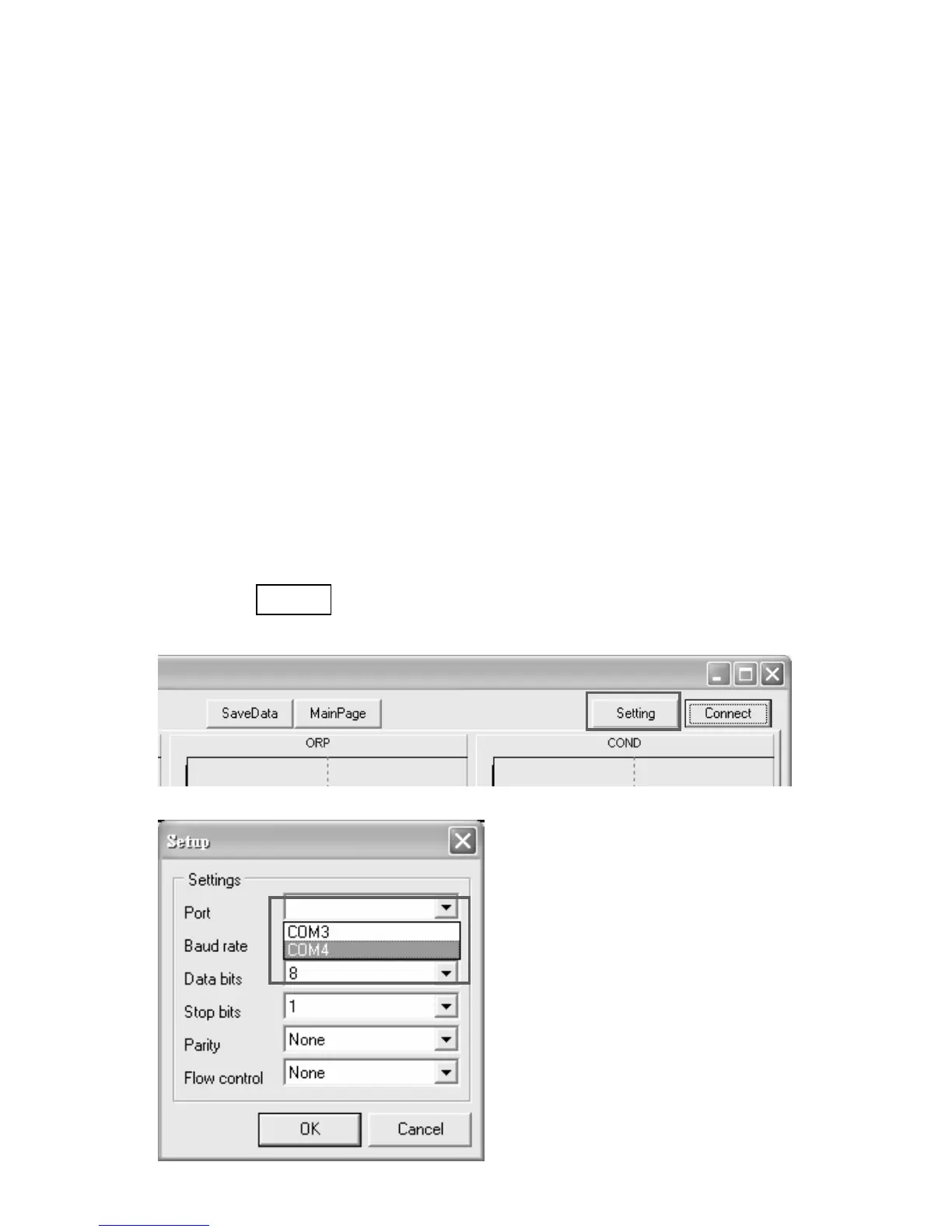
1. Double-click “GOnDO.exe” to start the program.
2. Click setting button to set COM port in the Setup
window.



 To Next Page