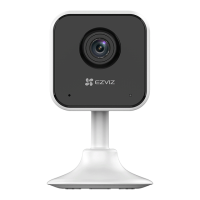
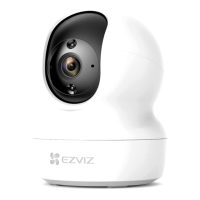
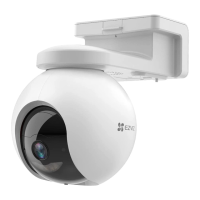
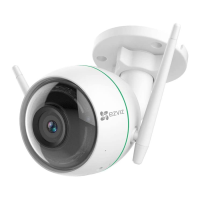
9
Voice Command
Discover a new smart device via the "Smart Home" menu in the
Alexa app or the Alexa Voice Control function.
Once the device is found, you can control it with your voice. Speak
simple commands to Alexa.
Your device's name for example: "show xxxx camera," can be
changed in the EZVIZ app. Each time you change the name of the
device, you will need to discover the device again to update the
name.
Troubleshooting
What should I do if Alexa fails to discover my device?
Check if there are any Internet connecting problems.
Try to restart the smart device and re-discover the device on Alexa.
Whythedevice'sstatusis"Ofine"onAlexa?
Your device might have been disconnected from the network.
Restart the smart device and re-discover on Alexa.
Check if your router is connected to the Internet and try again.
For details about countries where Amazon Alexa is available,
see Amazon Alexa's official website.


 To Next Page
 Loading...