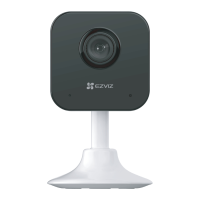
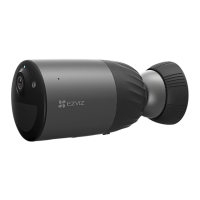
Basics
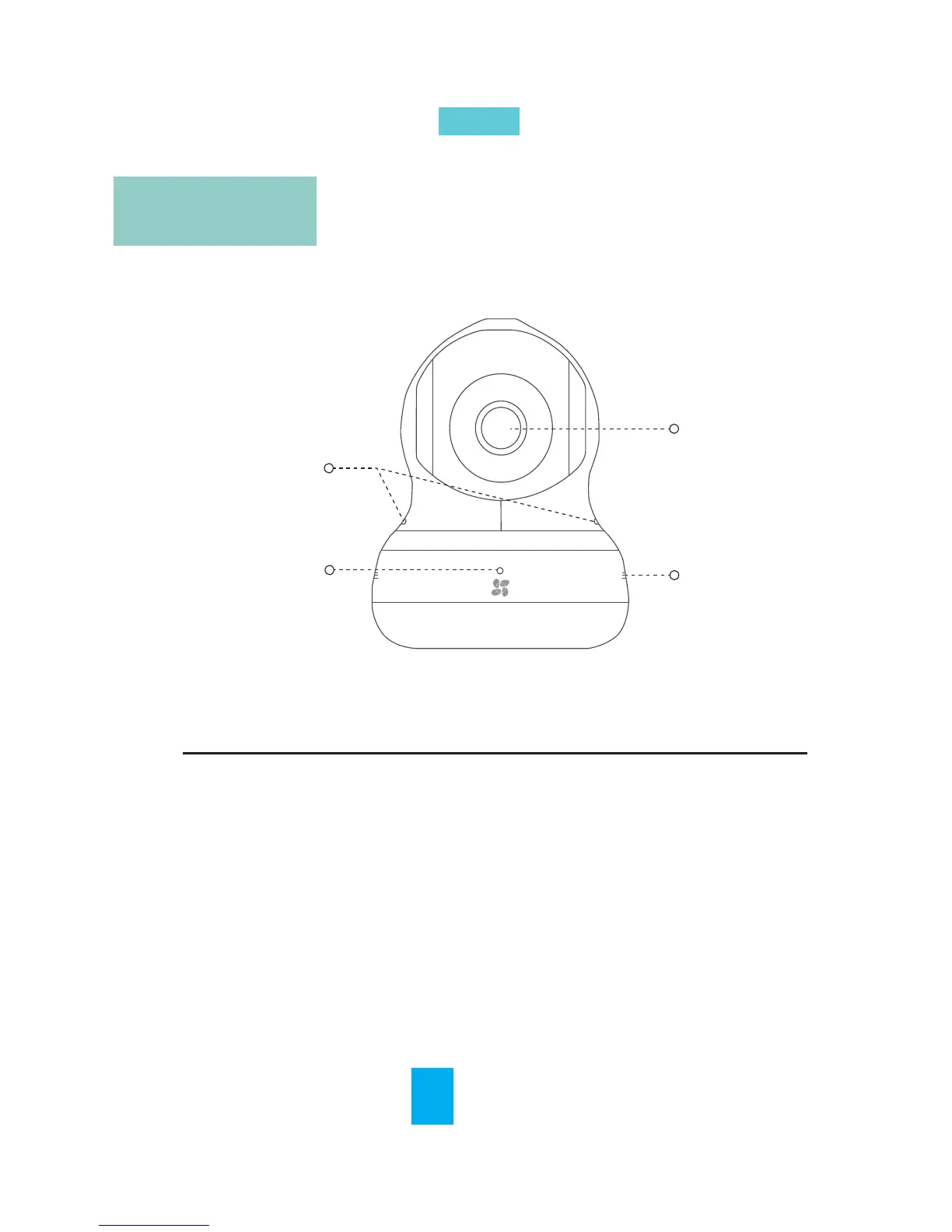
Indicator
Unit Descripon
EN
Dual MIC
Indicator
Speaker
Lens
Red and Blue Alternately: The camera has been
started; you can configure the Wi-Fi connecon.
Steady Blue: The camera is being connected and
operated by users.
Slowly Flicker in Blue: The camera is running
properly.
Steady Red: The camera is starng up.
Slowly Flicker in Red: The Wi-Fi connecon is failed.
Fast Flicker in Red: The microSD card error.
2



 To Next Page