9
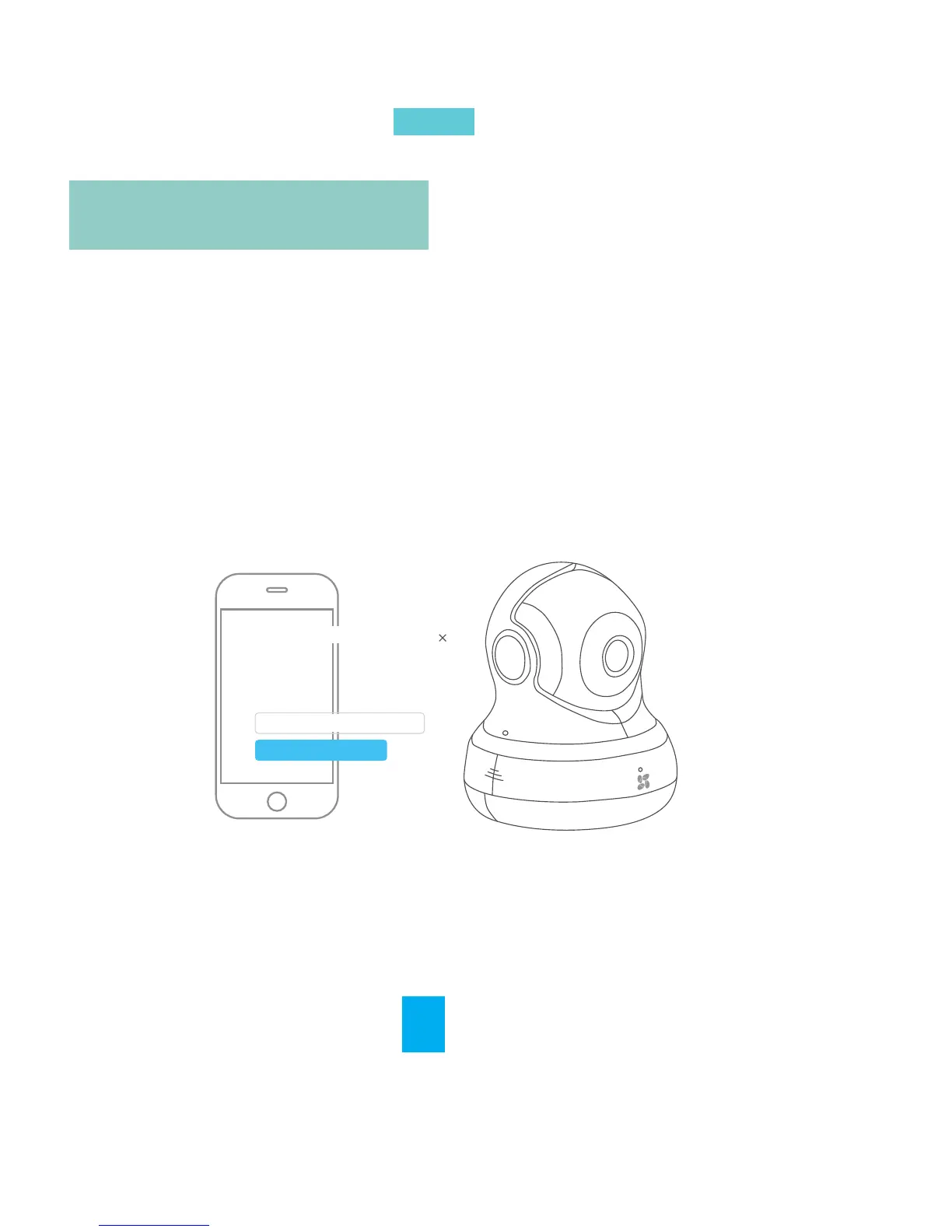
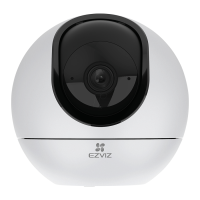
Log in the EZVIZ App. Enable Preset Sengs. The
posion can be saved as a preset, and once saved, the
camera can be called to the place immediately.
Save as Preset
名称,不超过10个字符
Set the current posion as preset
Save
Preset name. 10 characters allowed
Preset Sengs
EN


 To Next Page