2
Setup
Step 1 Power-on
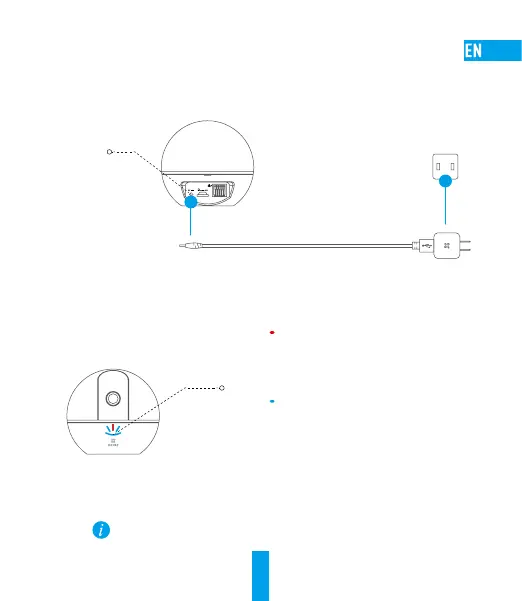
Plug the power cable into the camera, and then plug the power adapter into an outlet as shown
in the figure below.
Power Interface
Power Cable
Power Outlet
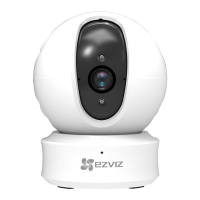
Turn on the camera and let it power up. The camera will completely rotate side-to-side
and tilt up-and-down once.
LED Indicator
LED Indicator Status
Solid Red: Camera is starting up.
Slowly Flashing Red: Wi-Fi connection has failed.
Fastly Flashing Red: Device exception (e.g. MicroSD
card error).
Solid Blue: Video is being viewed or played back
in EZVIZ App.
Flastly Flashing Blue: Camera is ready for the
Wi-Fi connection
Slowly Flashing: Camera is running properly.



 To Next Page
 Loading...