5
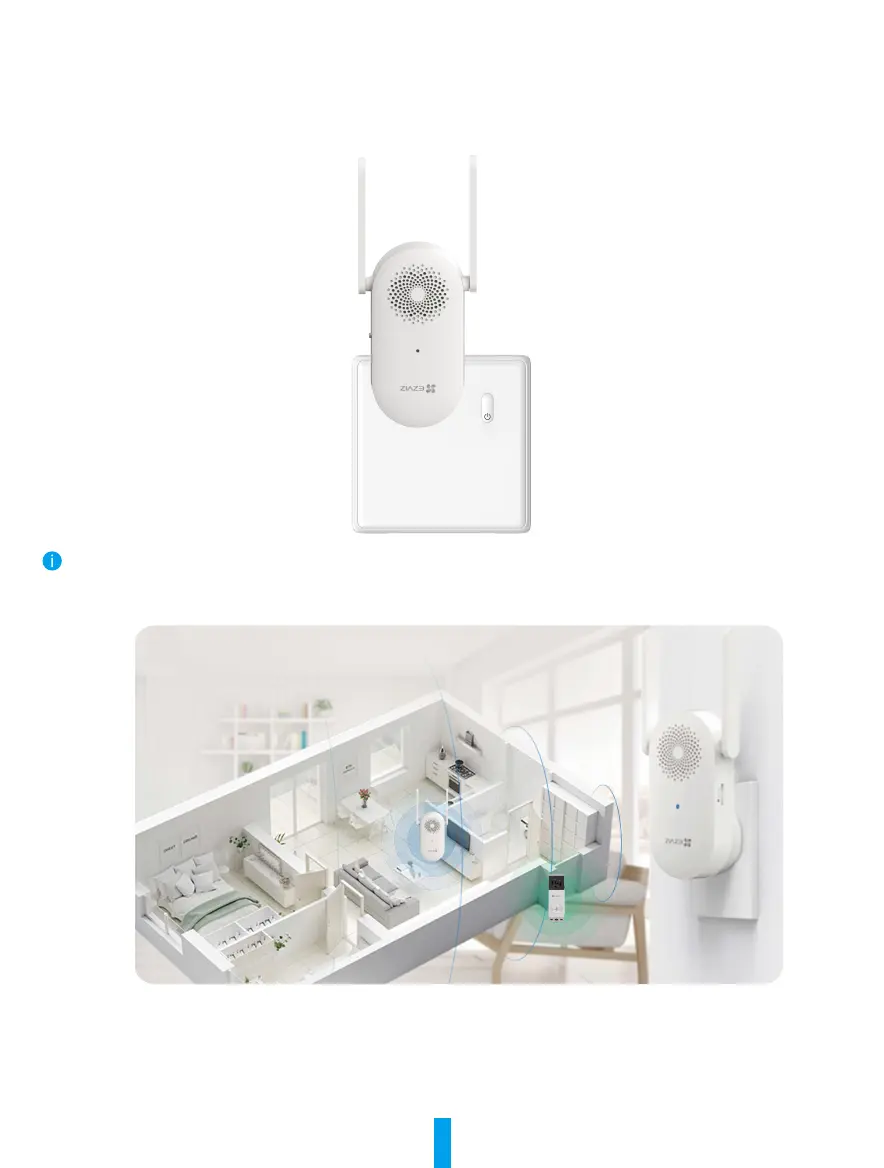
Plug the Chime
Connect the chime to an indoor power outlet. When the indicator light fast-ashes blue, it means the chime is
ready for Wi-Fi conguration. Use the EZVIZ app for Wi-Fi conguration (refer to the next section “Add Chime to
EZVIZ” for details).
Please install the chime on the power outlet closest to the location where the doorbell is to be installed,
in order to avoid doorbell and chime connection failure due to distance. The installation effect is shown in
the following gure.



 To Next Page