7
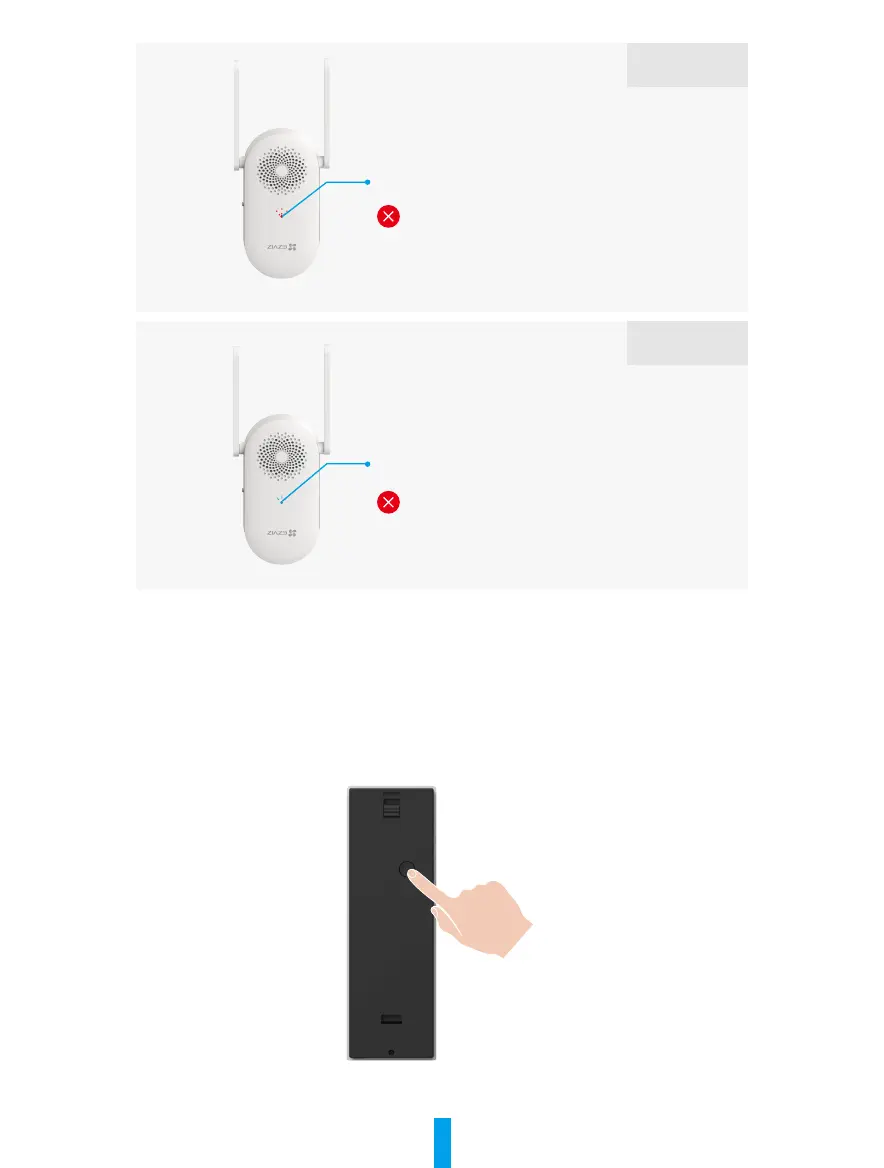
LED Indicator slow-ashing red and the device is
oine in the EZVIZ app.
Wi-Fi disconnected
Please conrm the Wi-Fi signal is good. Press
the RESET button to reset the device and add the
chime again.
Situation 3
LED Indicator solid blue and the chime emits an
urgent beep sound twice.
Not registered on EZVIZ
Please follow the EZVIZ app wizard to start Wi-Fi
conguration again.
Situation 4
Link Doorbell with Chime
1� Power on the Doorbell
1. Press and hold the power button for 2s in shutdown state, the LED indicator is solid blue for 3s and then
goes out, then the device emits a beep sound.
2. When the doorbell is powered on successfully, it will be linked with the chime automatically.



 To Next Page