3
Get the EZVIZ App
1. Connect your mobile phone to Wi-Fi (suggested).
2. Download and install the EZVIZ app by searching for “EZVIZ” in the App Store or Google Play
TM
.
3. Launch the app and register an EZVIZ user account.
EZVIZ App
If you have already used the app, please make sure that it is the latest version. To find out if an update is available, go to the app store and search
for "EZVIZ".
For First Use
For first time use, please operate by the following steps.
1� Lithium Battery Charging
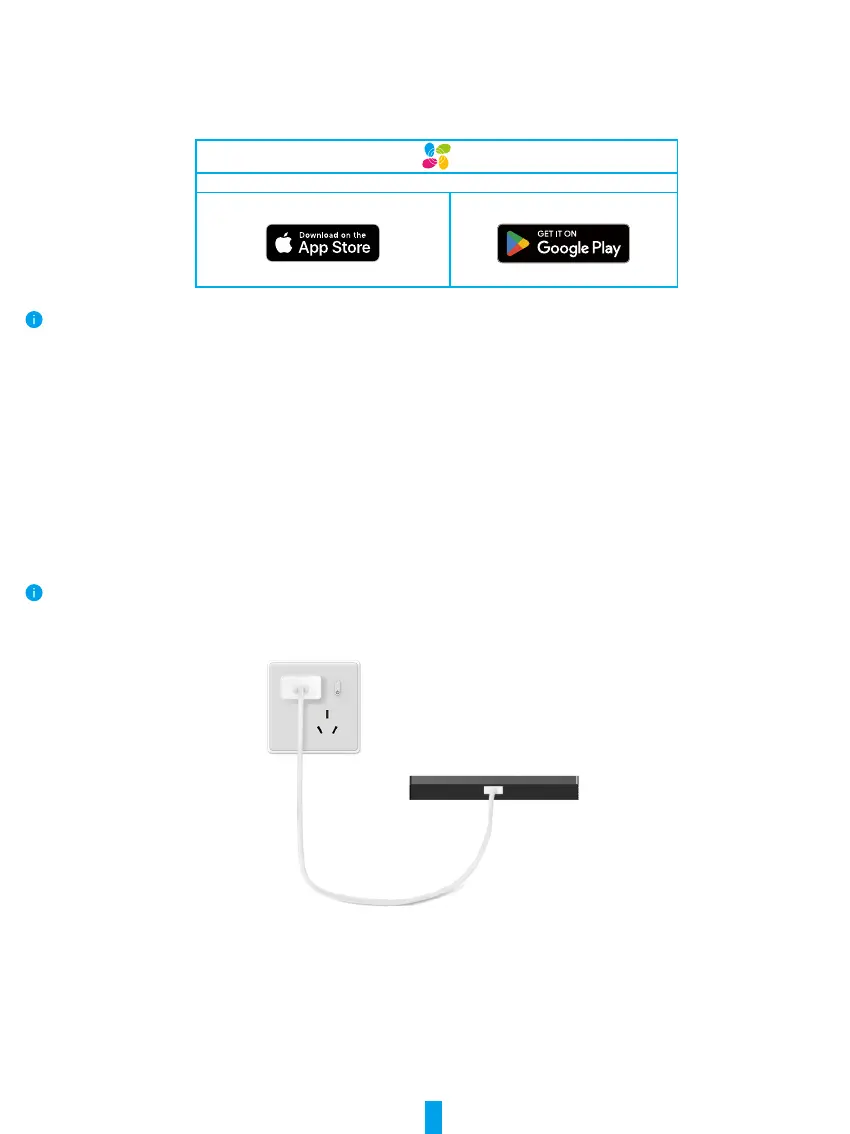
Connect device to power outlet with the power adapter (purchase separately) for charging(5V 2A), you can view the battery power
on screen interface.
The device is equipped with a 4600mAh rechargeable lithium battery. For optimal performance, please use the original adapter to charge the
battery.”


 To Next Page