4
2� Power On Settings
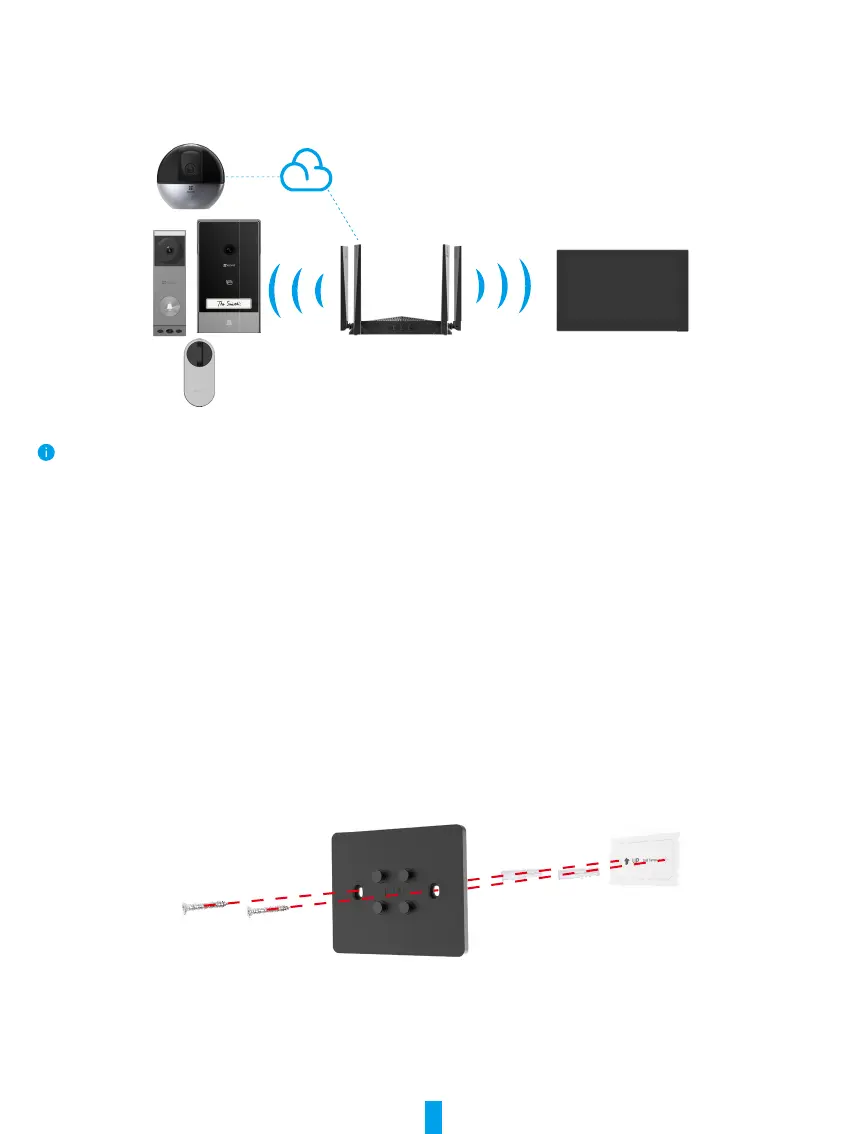
Make sure that the screen has sufcient battery power before powering it on, and then nish Wi-Fi network conguration and
device accessing, such as door lock, doorbell, camera and so on.
Devices under the same account can be connected to the screen regardless of whether they are on the same local network.
Installation
Wall/Door Mount
1� Install Wall Mount Bracket
If you x the bracket with screw kit
• Select an appropriate position;
• Attach the drilling template onto a clean and at surface
• (For cement wall only) Drill screw holes according to the template, and insert anchors;
• Use screws to x the wall mount bracket on the installation surface.


 To Next Page