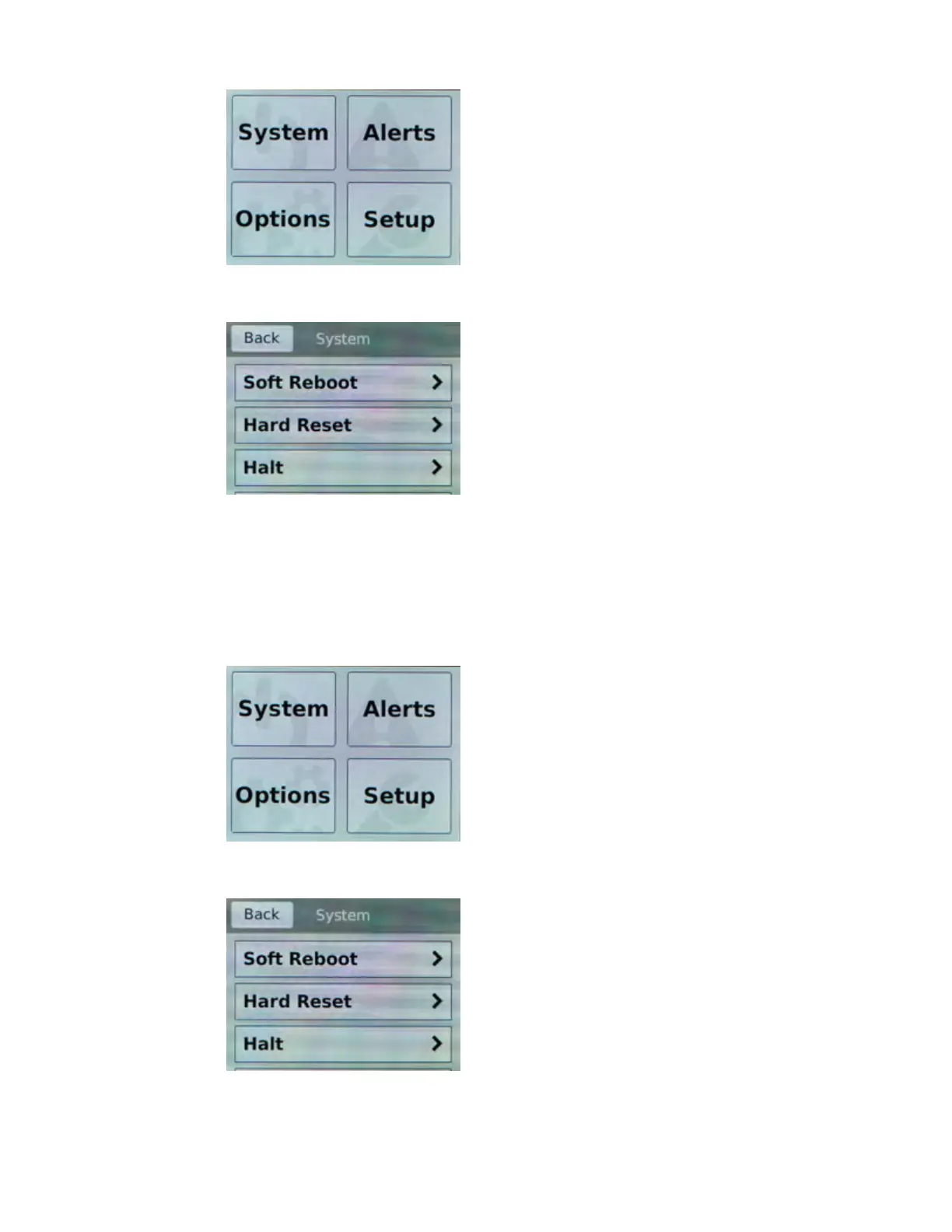
2. T
ap System.
The System screen displays.
3. On the System screen, tap Hard Reset.
4. Tap Confirm to reset the unit.
Halt the unit
You can use the touchscreen LCD to halt the unit.
1. Touch the screen to activate the LCD menus.
2. T
ap System.
The System screen displays.
3. On the System screen, tap Halt.
4. T
ap Confirm to halt the unit.
Platform Overview
10



 To Next Page