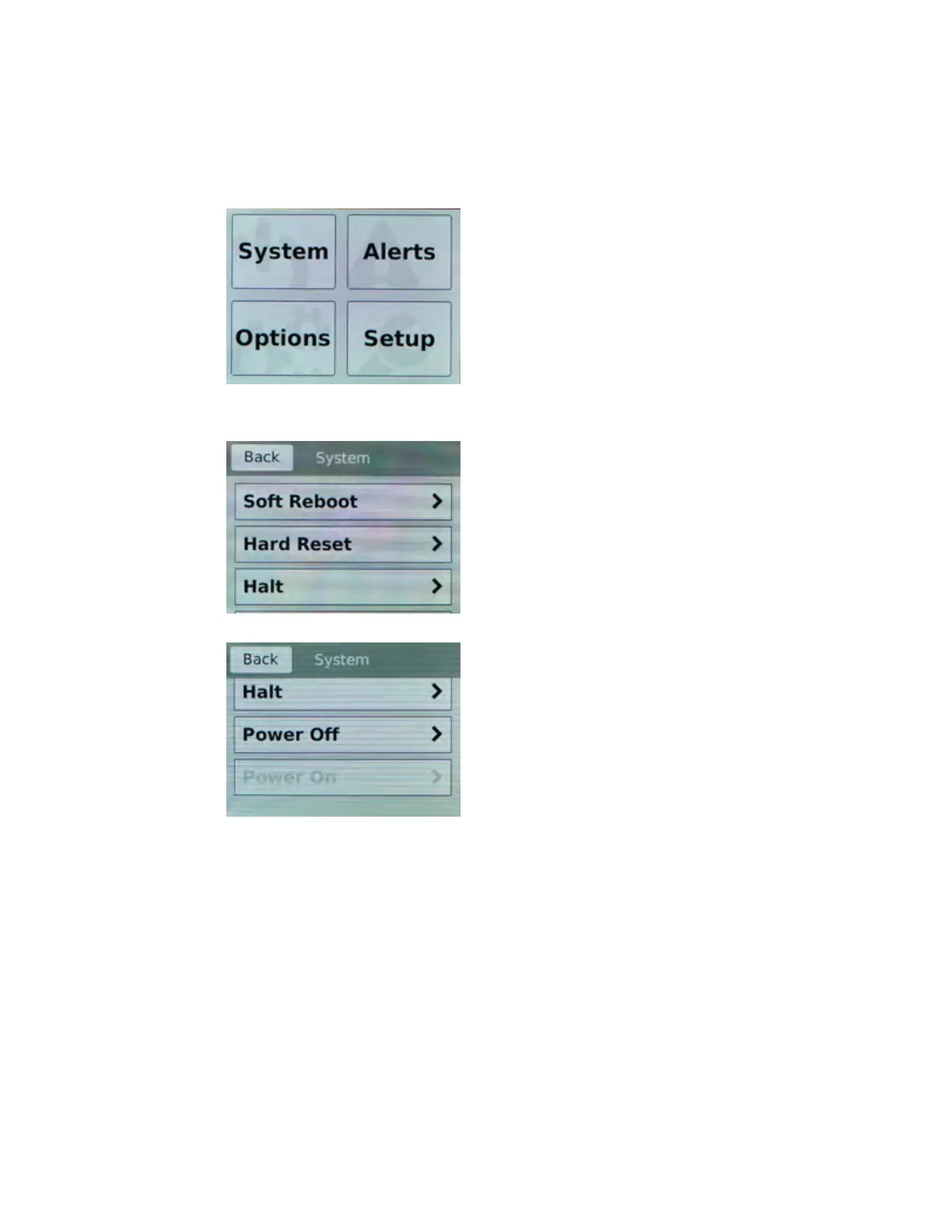
Power off/on the unit
Y
ou can use the touchscreen LCD to power the unit off and on.
1. Touch the screen to activate the LCD menus.
2. T
ap System.
The System screen displays.
3. On the System screen, swipe up to scroll down and tap Power Off or Power On.
4. T
ap Confirm to power off/on the unit.
Clear alerts
You can use the touchscreen LCD to clear alerts from the LCD.
1. Touch the screen to activate the LCD menus.
Platform Guide: i2000/i4000 Series
11



 To Next Page