EN
1
19
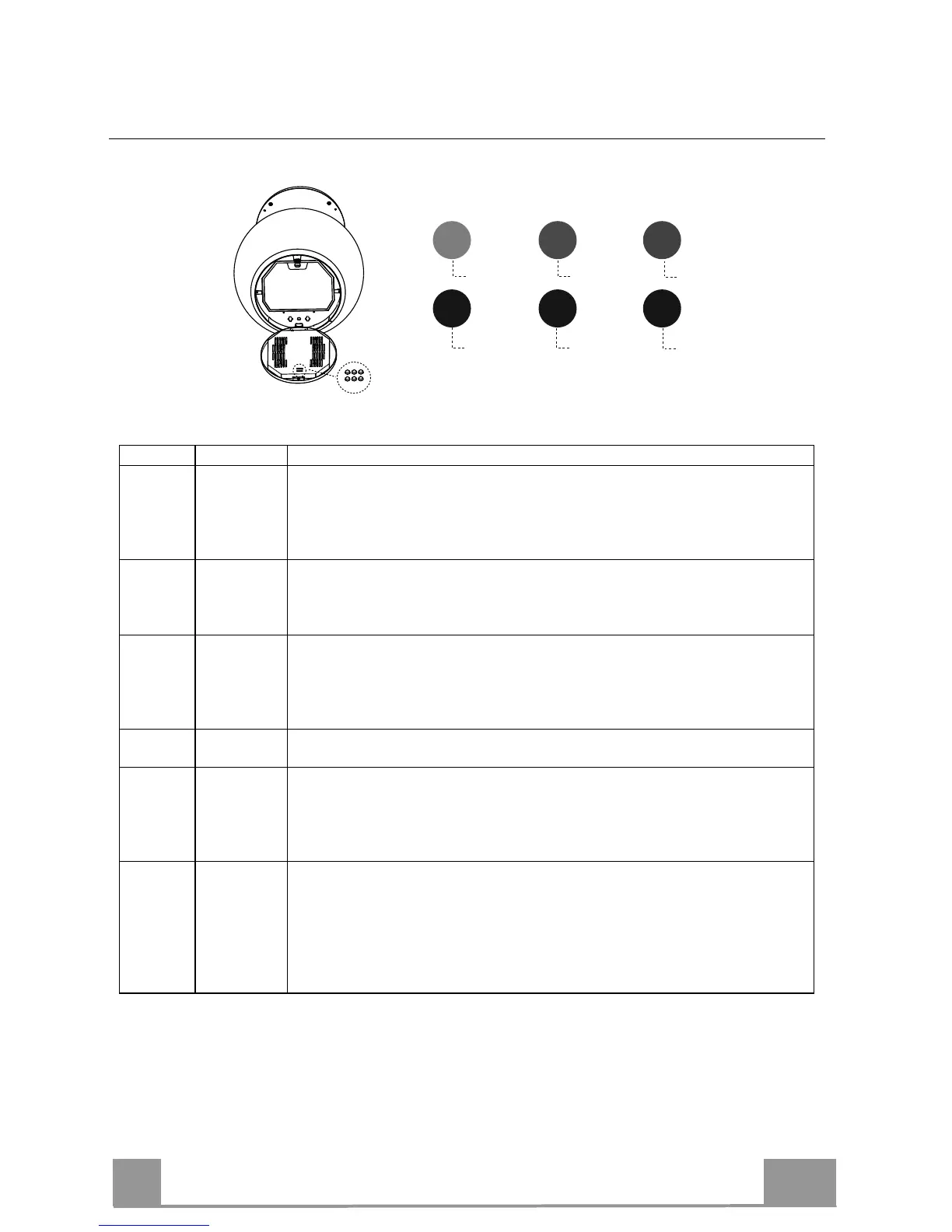
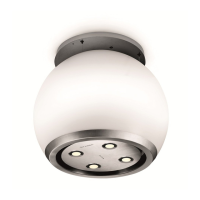
Adjusting Hood canopy lighting
Button Colour Function
1 Red Manages the intensity of the colour Red.
Press and hold the button to increase or decrease the intensity each time you
press.
The maximum and minimum intensity limits are marked by a brief flash of
the selected colour on the lamp.
2 Black Manages the speed at which colours change when both the programs for
Button 4 are used. The speed increases or decreases each time it is pressed.
The decrease is indicated by a brief flash.
They are disabled by pressing Button 6.
3 Green Manages the intensity of the colour Green.
Press and hold the button to increase or decrease the intensity each time you
press.
The maximum and minimum intensity limits are marked by a brief flash of
the selected colour on the lamp.
4 Black Manages the 2 colour change programs: Blended or Intermittent.
They are disabled by pressing Button 6.
5 Blue Manages the intensity of the colour Blue.
Press and hold the button to increase or decrease the intensity each time you
press.
The maximum and minimum intensity limits are marked by a brief flash of
the selected colour on the lamp.
6 Black Light On / Off
Initially when turned On the colour of the Hood is White. It can be modified
as desired by increasing or decreasing the intensity of colours using the
buttons (1-3-5). To return to the original state simply increase the intensity
of all 3 colours to maximum using the buttons (1-3-5).
The current colour setting can be stored by pressing and holding the button
for 3 seconds.
1
2
3
4
5
6



 To Next Page