22 www.faberre.com
Resetting Absorption Valve
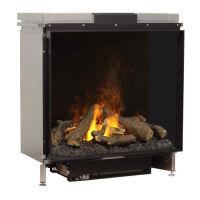
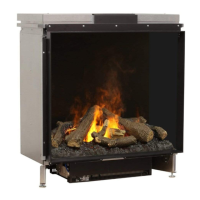
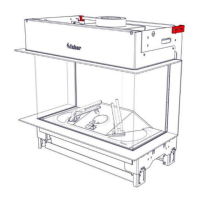
The absorption valve is located on the right front side
at the bottom of the replace unit.
To reset the absorption valve:
1. Remove the activated absorption pill.
2. Fix the cause of the water leakage.
3. Remove any water at the bottom of the
water sump.
4. Place the new pill.
5. Press down on the white clamp to open the
absorption valve.
Maintenance



 To Next Page