EN
QUICK START GUIDE
GETTING STARTED
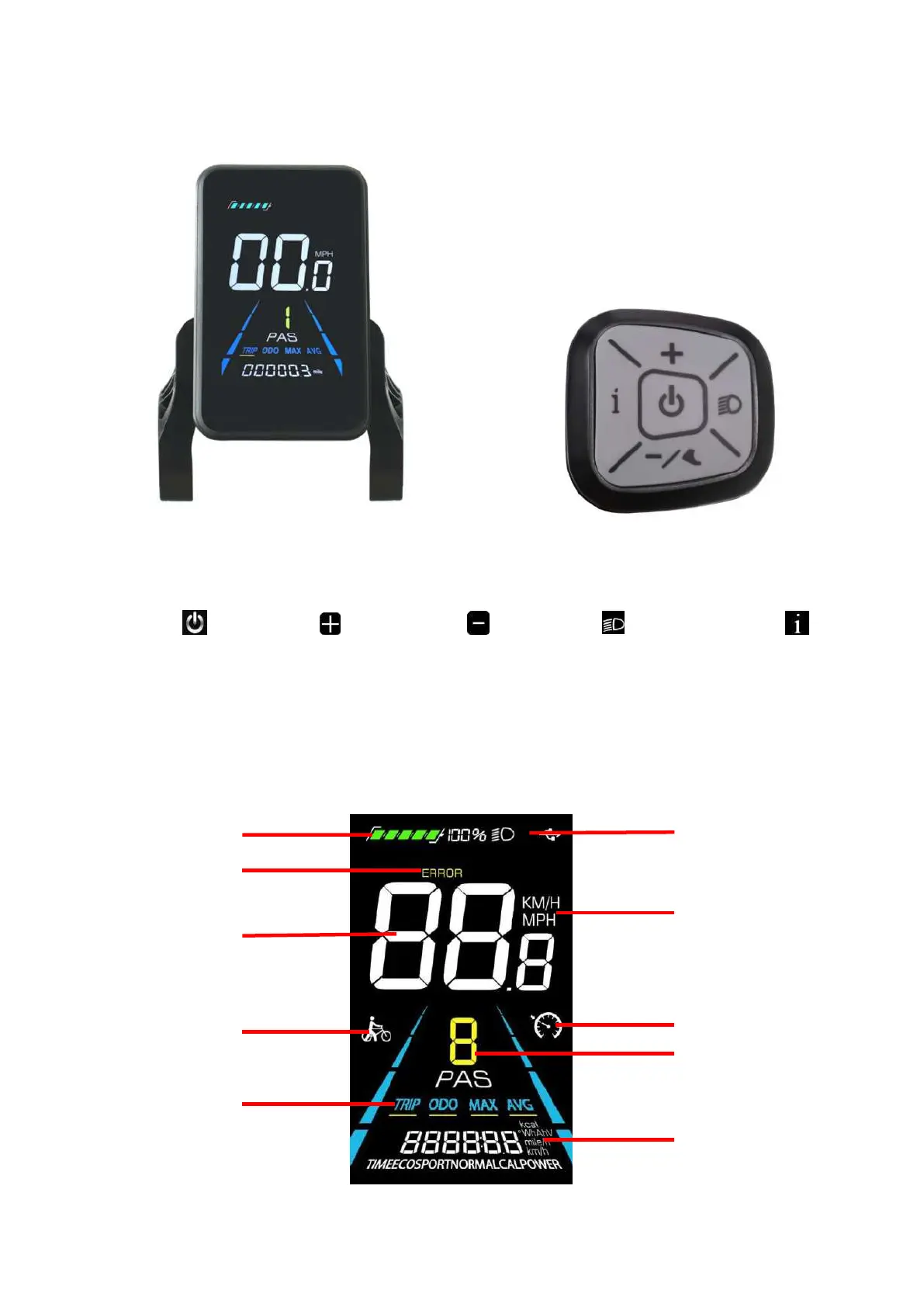
Figure 1 YL81F display Figure 2 Control button
Button definitions: The YL81F display is equipped with five buttons on the corresponding operating unit:
power button , plus button , minus button , light button and toggle button (the
following is represented by the “i button”).
Press the power button on the display control pad to turn on the bike. To turn off, press and hold the
power button for 3 seconds. The display will automatically shut off if it is not used for more than 10
minutes.
HOME PAGE
Trip odometer
Odometer
Max speed
Average speed


 To Next Page